
Introduction
You spent hours planning, recording, and editing that episode. It was published, got a spike of downloads, then slowly slid into your back catalog. Most creators live that cycle on repeat.
Repurposing breaks it. When you repurpose your podcast content, one episode can become a blog post, a week of social clips, a newsletter, and a private audio feed your audience actually finishes.
We work with thousands of creators who repurpose audio every day, so we have seen what moves the needle and what wastes a weekend.
This guide covers who should repurpose, a simple workflow to follow, the formats worth your time, and the tools that make the whole thing faster.
TL;DR: How to Repurpose Podcast Content
Repurposing turns one podcast episode into content for every channel your audience uses. Here is the five-step workflow:
- ●Audit your episodes: Start with your best performers and evergreen topics.
- ●Transcribe each one: Text is the raw material for almost everything else.
- ●Adapt into new formats: Reshape for each channel and add fresh value.
- ●Distribute across channels: Match the format to where your audience already is.
- ●Track and refine: Watch what lands, then make more of it.
What Is Podcast Repurposing?
Podcast repurposing means taking an existing episode and reshaping it into other formats so more people can find and consume it. The recording stays the same. The package changes.
The audience is there. Edison Research found that 55% of Americans listen to podcasts every month, an estimated 158 million people. Plenty of your potential audience, though, would rather read a post, watch a clip, or skim an email than press play.
Repurposing meets them on their terms, and it compounds. Pew Research Center reports that six in ten podcast listeners have watched a movie, read a book, or listened to music because of a podcast, and about half follow a host on social media. Your listeners already move across formats. Giving them more entry points is repurposing your content at its most practical.
Who Should Repurpose Podcast Content?
If you publish audio regularly, repurposing is worth building into your routine.
It helps most if you are one of these creators:
- 1Course creators and educators: Turn lessons and Q and A calls into guides, private audio feeds, or refreshers your students actually finish.
- 2Coaches: Reuse coaching conversations as training clips, subscriber-only audio, or lead magnets, without recording something new each time.
- 3Membership owners: Give members the same content in the format that fits their week, which keeps them engaged and renewing.
- 4Service providers and consultants: Repackage insights into articles, client updates, and proof of expertise. One agency owner uses private podcasts to streamline client updates with audio and onboard contractors.
- 5Solopreneurs and marketers: Stretch every recording into social clips, newsletters, and landing-page content, so a small team can publish like a big one.
How to Repurpose Podcast Content in 5 Steps
A repeatable content repurposing workflow beats random acts of repurposing.
These five steps take you from a finished episode to content working across every channel:
1Audit Your Episodes and Pick the Winners
Start with what already works. Look through your back catalog for episodes with the highest downloads, the most replays, or evergreen topics that stay relevant.
Those earn repurposing first. A timely news reaction has a short shelf life. A how-to on a problem your audience always has can be reworked for years.
2Transcribe Each Episode
A transcript is the raw material for almost everything else. Once your audio is text, you can pull quotes, draft a blog post, or write captions in minutes.
Transcripts also widen your reach. The National Institute on Deafness reports that about 15% of American adults, roughly 37.5 million people, have some trouble hearing. A text version makes your ideas available to them, and to anyone who would rather read than listen.
It gives search engines something to crawl too, since audio on its own does not rank.
3Adapt Each Episode Into New Formats
Do not paste a transcript and call it a blog post. Reshape it for the format and add something the episode did not have: a data point, an example, a short summary up top.
Keep your voice and visual style consistent so every piece still feels like you. The next section breaks down the formats worth your time.
4Distribute Across the Right Channels
Publishing is half the job. Plan where each piece goes and space it out, so you are not dumping ten posts in a single day.
Share clips where your audience scrolls, send highlights to your email list, and point every format back to the full episode. Match the channel to the format instead of forcing one everywhere.
5Track Engagement and Refine
Repurposing gets smarter when you watch what lands. Note which formats drive replies, shares, and sign-ups, then make more of those. Inside a private feed, our Super Listener Score rates how quickly each listener tunes in after you publish, on a scale of 1 to 100, so you can see who is most engaged and what they finish. Let that data shape your next round.
Curious how the audio piece works in practice?
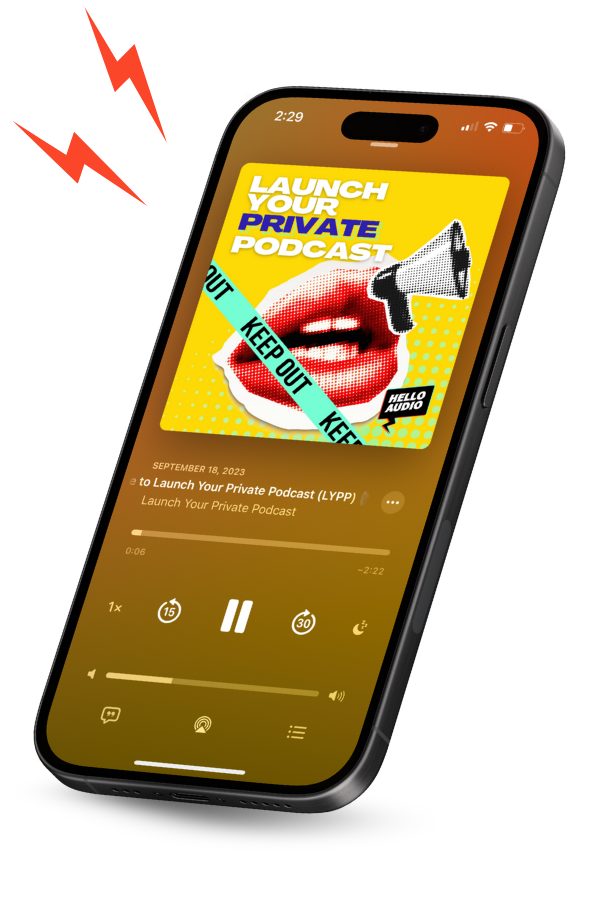
Hello Audio is our private podcast platform for creators. We convert your existing videos and audio into private feeds, so a course, a call replay, or a webinar becomes a podcast without a download-and-upload cycle.
We auto-publish those feeds to the apps your audience already listens in, like Spotify and Apple Podcasts, which means no portals or logins to slow people down. And our listener analytics show you who is tuning in, how far they get, and which episodes hold attention, so you can see your repurposing pay off.
Watch a quick demo to see it end to end.
Best Formats to Repurpose Your Podcast Content Into
One episode can fuel a week of content. Here are the formats that give you the most return for the least effort:
- 1Blog posts: Turn a transcript into a searchable article with headings, takeaways, and a few added examples.
- 2Social clips and quote graphics: Pull the sharpest 30 to 90 seconds or a strong quote for Reels, Shorts, and LinkedIn.
- 3Email newsletter: Tease the episode with a summary and a soundbite, so subscribers hit play.
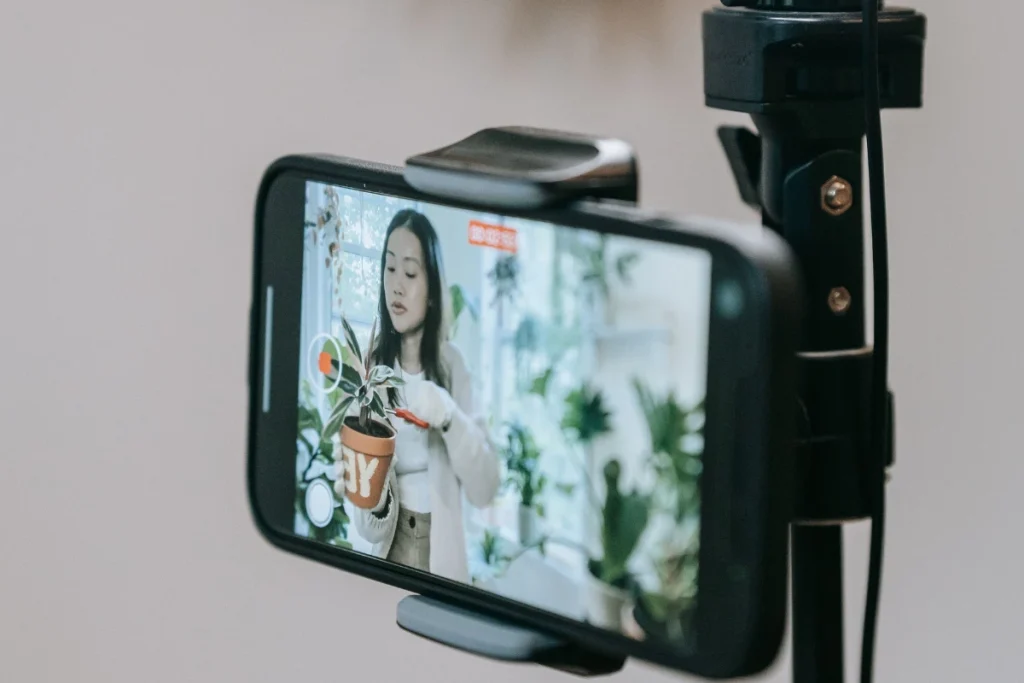
- 4Short-form video: Add captions and simple visuals to your audio for YouTube, TikTok, and Instagram.
- 5Lead magnets: Package a few episodes into a free audio lead magnet that grows your email list.
- 6Webinars or workshops: Expand a popular episode into a live, interactive session for people who want more depth.
- 7Ebooks or guides: Combine a series of related episodes into one downloadable resource.
Turn Your Back Catalog Into a Private Podcast
The format most creators overlook is audio itself. Instead of asking people to log into a course portal or download files, you can deliver your content as a private podcast they play in the app they already use. More consumption is the whole point, because content people finish is content that builds trust and drives sales.
The results can be striking. Nina Clapperton, a solopreneur who repurposes SEO content into private feeds, reported roughly 2.7 times higher completion rates after moving her material into audio. That is one creator’s outcome, not a promise, but the pattern holds: easier to consume means more consumed.
A private feed also opens a direct path to monetize your podcast through paid feeds and premium content.
When to Repurpose Each Podcast Episode
Repurposing works best as a routine, not a one-time scramble. Spread the formats across an episode’s life so each one lands when it will do the most good.
| Timing | Formats to create | Why this works |
|---|---|---|
| Launch week | Social clips, an audiogram, quote graphics, a newsletter mention | Rides the attention the new episode already has and points listeners to the full version. |
| A few weeks later | A blog post, a short-form video, a spot in a private feed | Builds the searchable, evergreen assets that keep bringing in new people long after launch. |
| Months on | An ebook or guide, a refreshed re-release, an audio lead magnet | Turns a back catalog into content that still earns attention and grows your list. |
Set this up once, and every episode you publish moves through the same routine without extra thinking.
Frequently Asked Questions
A few of the questions we hear most often from creators getting started with repurposing:
Which Podcast Episodes Should You Repurpose First?+
Start with your best performers and your evergreen topics.
Episodes with high downloads or replays have already proved they resonate, and evergreen subjects stay useful long after they are published. Skip anything tied to a passing moment.
How Long Does It Take to Repurpose One Episode?+
It depends on the format. A few social captions might take half an hour, an audiogram or graphic closer to 30 minutes, and a full blog post a couple of hours.
Batching similar tasks across several episodes speeds all of it up.
Do You Need Transcripts to Repurpose a Podcast?+
They make everything faster. A transcript gives you text to pull quotes, draft posts, and caption videos, and it makes your content more accessible and easier to find in search.
It is the single most useful first step.
Can You Repurpose Old Podcast Episodes?+
Yes, and it is one of the best uses of your time.
Evergreen episodes can be refreshed with current examples and sent back out as blogs, videos, or a private feed, which brings old work back into circulation.
Conclusion
Repurposing is the highest-leverage habit in content. Every episode you have already recorded can keep working, reaching people who prefer to read, watch, or listen on their own terms. The workflow stays simple: pick your best episodes, turn them into text, reshape them for each channel, share them well, and learn from what lands.
The format that ties it all together is audio your audience actually finishes. When your content is easy to consume, people consume more of it, and that is where stronger engagement and more sales follow.
Ready to try the audio side? Hello Audio is the private podcast platform built for creators. We turn your existing content into on-the-go feeds, personalize what each listener hears, and show you who is engaged, all without downloads or logins.
Start your free 7-day trial, no credit card required.