

If you’re ready to start charging for the exclusive content you create, chances are you’ve narrowed your options down to YouTube Membership and Patreon.
Both platforms help creators build recurring revenue, but they take different approaches to memberships, audience growth, and content delivery. Before you commit to one, it’s worth understanding where each platform performs best.
In this guide, we’ll compare YouTube Membership vs Patreon across features, pricing, audience growth, monetization, and more.
TL;DR: YouTube Membership vs. Patreon vs. Hello Audio
If you want the short version before diving into the details, here’s how these three platforms compare:
|
|
|
|
|
|
|
|
How YouTube Membership and Patreon Work
Both platforms follow one basic idea. Creators create paid memberships, fans subscribe, and members get access to exclusive content. Here’s how that process works on each platform:
How YouTube Membership Works
YouTube Membership is built directly into your YouTube channel. Once memberships are enabled, creators can:
- Set up your membership: Once you’re eligible, you can create one or more paid membership tiers and decide what each one includes.
- Viewers become members: Fans click the Join button on your channel or videos and subscribe using their existing Google account.
- Members unlock exclusive perks: Depending on their tier, members gain access to benefits such as exclusive videos, live streams, posts, badges, emojis, and early access to content.
- Manage your program: You can update membership tiers, publish member-only content, and track performance from YouTube Studio.
How Patreon Works
Patreon is a standalone membership platform where creators build a paid community around their content. The process works like this:
- Create membership tiers: Set up one or more paid tiers with different prices and benefits.
- Share exclusive content: Publish member-only videos, podcasts, posts, downloads, and other exclusive content on your Patreon page.
- Members subscribe through Patreon: Fans choose a membership tier, create or sign in to a Patreon account, and unlock the content included in their subscription.
- Manage your membership program: Creators publish updates, communicate with members, and manage subscriptions through their Patreon dashboard.

YouTube Membership vs. Patreon Feature Comparison
Now that you know how each platform works, let’s look at the features they offer side by side:
YouTube Membership vs. Patreon Fees and Pricing Compared
Once you’ve compared the features, the next thing to consider is cost. The table below compares platform fees, eligibility requirements, payment processing, and payouts for YouTube Membership and Patreon:
Audience Reach and Discovery on Each Platform
Building a membership starts with building an audience. While both platforms offer ways to reach potential members, they take very different approaches to helping creators grow:
YouTube Membership
YouTube doesn’t have a dedicated place where people browse memberships. Instead, creators grow memberships by growing their channel first. Creators can reach potential members through:
- Search: Your videos will appear when people search for topics related to your content.
- Home and Suggested Videos: YouTube usually recommends videos to viewers who are likely to be interested.
- Shorts: Short-form videos can introduce your channel to new viewers.
- Subscribers: Existing subscribers regularly see your uploads, livestreams, and membership promotions.
- Join button: Eligible channels can promote memberships directly on videos, livestreams, and the channel homepage.
The more consistently your content reaches new viewers, the more opportunities you have to turn those viewers into paying members.
Patreon
For years, Patreon relied almost entirely on creators bringing in their own audience from platforms like YouTube, podcasts, newsletters, or social media. While that’s still how many creators gain supporters, Patreon has expanded its own discovery tools.
Creators can increase their visibility through:
- Explore: Patreon organizes creators into categories based on their content, making it easier for fans browsing those topics to come across your page.
- Home feed: A personalized feed that mixes posts from creators a fan already supports with recommendations for similar creators, giving your content a chance to reach new audiences.
- Quips: A short-form post format for sharing quick updates. Quips are public by default and appear in the Home feed, where people who don’t already support you can come across your content.
- Collaboration posts: A post that two creators publish together. It appears on both creators’ pages, allowing each creator’s audience to see and engage with the same post.
- Public posts: Free posts that anyone can view, giving potential supporters a preview of your content before they decide to subscribe.
How to Choose Between YouTube Membership and Patreon
By now, you’ve seen how YouTube Membership and Patreon compare in terms of features, pricing, and audience growth. The better choice comes down to how you create content, where your audience spends time, and what you’re asking members to pay for. Consider factors like:
Start With Where Your Audience Already Is
If most of your audience watches your videos on YouTube, asking them to join a YouTube Membership feels like a natural next step. They can become a member without leaving the platform they’re already using.
Patreon makes more sense if your audience comes from several places. Whether people discover you through YouTube, a podcast, your newsletter, or social media, they all end up in one place to access your membership.
Think About What You’re Offering Members
The type of content you plan to deliver matters just as much as the platform itself.
YouTube Membership work well for perks that stay inside YouTube, including:
- Members-only videos
- Livestreams and live chat
- Community posts
- Loyalty badges and custom emoji
- Early access to videos
Patreon is often a better fit if your membership includes:
- Downloadable files and resources
- Private podcast feeds
- Long-form written content
- Resource libraries
- Community discussions
- Bonus courses or workshops
Consider the Experience for Your Members
Every extra click gives someone another chance to change their mind.
Joining a YouTube Membership happens without leaving the video someone is already watching. That convenience often makes it easier to convert existing viewers into paying members.
Patreon asks supporters to leave the platform they’re on, but in return, it gives you a dedicated space where all of your membership content lives in one place.
Don’t Overcomplicate Your First Membership
Launching YouTube Membership and Patreon together means maintaining two membership experiences. That includes creating platform-specific perks, communicating with members in different places, and helping supporters understand which platform is right for them.
For many creators, it’s easier to build one membership first and expand later if their content or audience grows beyond what a single platform offers.
Why Some Creators Add a Private Podcast Instead
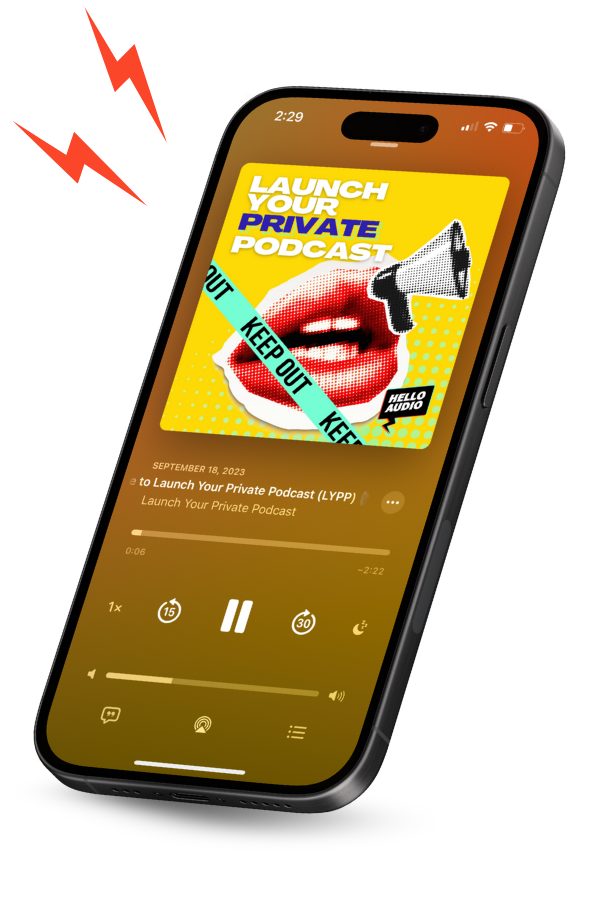
Both platforms have limitations when it comes to delivering audio content. That’s why many creators compare private podcasts vs. membership sites before deciding how they’ll deliver exclusive audio to paying members. For many, adding a private podcast alongside their membership platform offers the best of both.
Let’s look at why private podcasts make sense:
- Members can listen in their favorite podcast app: Instead of logging in to YouTube or Patreon every time, members receive a private podcast feed they can add to apps like Apple Podcasts, Spotify, Pocket Casts, or Overcast.
- Audio fits into everyday routines: Members receive new episodes in their podcast app, so they can press play whether they’re commuting, working out, or away from their computer.
- Great for audio-first content: Some membership content simply works better as audio. Bonus episodes, Q&As, interviews, and course lessons are easier to follow in a podcast app than inside a membership platform.
- Keeps member content private: Every subscriber receives a private feed, so only paying members can access exclusive episodes without making them publicly available.
What Makes Hello Audio Unique
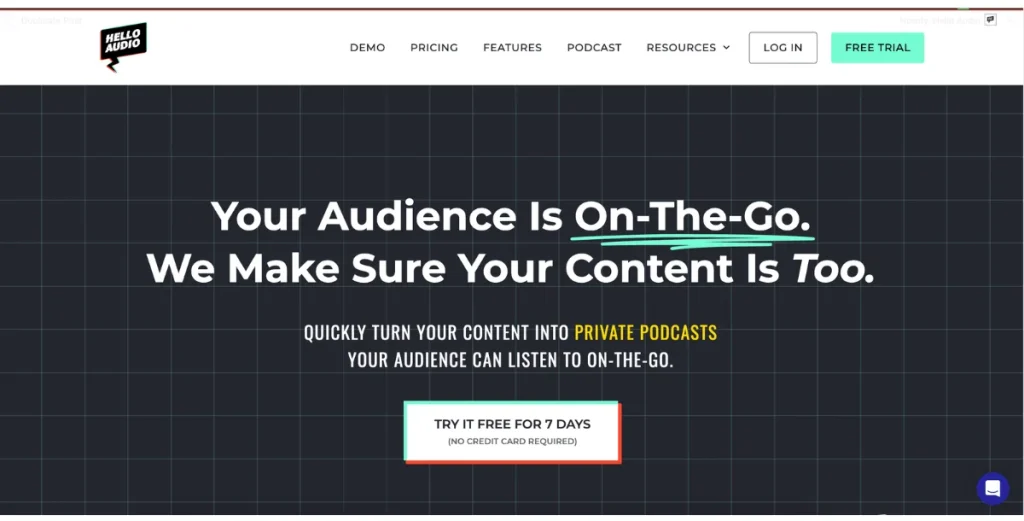
Hello Audio is a podcast hosting platform built for creators who already have valuable content sitting inside courses, memberships, coaching programs, and recorded events. It turns that content into private podcast feeds that are easier for members to access and keep up with.
Here is what sets the platform apart:
Content Repurposing
Turn existing videos, course lessons, coaching calls, webinars, and other recordings into private podcast episodes. Hello Audio also converts uploaded videos into audio automatically, so you don’t need separate editing software.
Personalized Private Podcast Feeds
Every listener will receive their own private podcast feed. You can tie the access to that individual feed, so if someone joins, upgrades, or cancels, only you can update their access instead of having to replace the feed for everyone.
Listener Analytics
Hello Audio tracks listening activity for each subscriber. You can see who accepted their invite, which episodes they’ve listened to, how much of an episode they completed, and each listener’s Super Listener Score.
Drip Content & Access Controls
You can choose when the episodes become available, rather than publishing everything at once. You can drip lessons over time, expire content after a set period, or remove access when someone leaves your membership.
Integrations & Automation
Connect Hello Audio with tools like Kit, Manychat, Zapier, and Descript to automate podcast delivery, listener management, and publishing workflows.
Multi-App Listening
Listeners can access private podcasts through popular podcast apps like Apple Podcasts, Spotify, Pocket Casts, Overcast, and YouTube Music instead of using another membership portal.
If you’re looking for a way to add private podcasts to your YouTube Membership, Patreon, or any other membership platform, Hello Audio makes it easy to get started. You can repurpose the content you already have and give members a better way to listen.
Start your free trial and see how easy it is to turn your existing content into private podcasts.

Frequently Asked Questions (FAQs)
If you’re still deciding between YouTube Membership and Patreon, these answers cover some of the most common questions creators ask before choosing a platform:
Can You Use YouTube Membership and Patreon Together?
Yes. Plenty of creators do. They use YouTube Membership for viewers who watch most of their content on YouTube, while Patreon becomes the home for things like downloads, private podcasts, bonus content, or member communities. The two platforms don’t replace each other, so it’s up to you how you divide your membership perks.
Can You Switch From Patreon to YouTube Membership?
Yes, but there isn’t an automatic migration process. You’ll need to let your Patreon members know about the move, encourage them to join your YouTube Membership instead, and recreate any member benefits you want to keep.
Do Fans Need a Separate App to Access Patreon?
No. Patreon works through its website and mobile app, so supporters can access posts, downloads, messages, and other member content without installing anything else. If you’re sharing private podcasts through Patreon, members can also listen in supported podcast apps using their private podcast RSS feed.
Do You Own Your Subscriber Data on Each Platform?
Both platforms give creators access to member information, but the data you receive is different. Patreon provides member details that can be exported and integrated with other tools, while YouTube Membership primarily provides information within the YouTube ecosystem.
Review each platform’s current policies to understand exactly what subscriber data is available.
Conclusion
There isn’t a single winner in the YouTube Membership vs. Patreon debate. The better platform depends on the audience you’ve built and the kind of membership you want to run.
YouTube Membership works best for creators whose audience is already on YouTube. Patreon is better suited to memberships that combine videos, downloads, podcasts, communities, and other exclusive content.
If you’re looking for a better way to deliver exclusive audio, Hello Audio complements either platform. It turns your existing content into private podcasts, gives every member their own private podcast feed, and lets subscribers listen through their favorite podcast app.
Start your free trial and give your members an easier way to enjoy your exclusive content.