
Every podcast starts with the same question: Which podcast software should I use to record, edit, and distribute?
If you’re using a Mac, you’ll find everything from Apple’s built-in GarageBand to professional production suites and platforms built specifically for private podcasts. The challenge is knowing which one actually fits the way you create your show.
In this guide, we’ve rounded up the best podcast software for Mac, what each platform does well, and who it’s best suited for, so you spend less time comparing tools.
TL;DR: 9 Best Podcast Software for Mac Users
Before diving into the detailed reviews, here’s a quick overview of the 9 Mac podcast software options and what each one is best suited for:
What Makes Podcast Software Good for Mac
The best software for Mac users depends on how you produce your podcast. A solo creator won’t need the same features as someone recording remote interviews, video podcasts, or multiple hosts. Some tools handle the entire workflow, while others focus on recording or editing and pair with a separate publishing platform.
These points create the true differentiation of podcast software for Mac:
- Native macOS support: Software built specifically for macOS and Apple Silicon (M-series) makes better use of your Mac’s hardware. That typically means faster performance, smoother recording sessions, quicker exports, and fewer crashes when working with larger audio or video projects.
- Multi-track recording and editing: Recording each host or guest on a separate track gives you much more control during the editing process. You can make adjustments to individual volume levels, remove any background noise from one speaker without affecting the others, and edit mistakes without disrupting the entire conversation.
- Built-in audio cleanup: Features such as noise reduction, EQ, compression, and silence removal can save a significant amount of editing time. This is especially useful if you’re new to podcast production or want to speed up your workflow.
- Video podcast support: If you also publish podcasts in video format on YouTube or social platforms, look for software that records the video in high-quality alongside separate audio tracks. Having both recorded together makes editing and repurposing your content much easier.
- Flexible publishing workflow: Some platforms include podcast hosting, while others simply export finished files for you to upload wherever you publish. If your software doesn’t include hosting, it should at least make it easy to export your finished episodes in standard formats that work with your preferred podcast host.

Key Features to Compare Before Choosing Podcast Software
Once you know what makes podcast software work well on a Mac, it’s easier to compare your options side by side. While every creator’s workflow is different, a few core features will have the biggest impact on how smoothly you can record, edit, and publish your podcast.
Whether you’re comparing podcast recording software or full podcast production platforms, these are the features worth checking before you decide:
Best Podcast Software for Mac By Podcast Type
The best podcast software for Mac depends on what you’re trying to create. A solo podcast has very different requirements than a video interview series or a private podcast for paying members. Some tools focus on recording, others specialize in editing, while a few help you publish and distribute your episodes.
The recommendations below cover the most common podcasting workflows for Mac users, along with the situations where each one makes the most sense:
1. Hello Audio: Best for Private Podcasts
Private podcasts have very different distribution needs than public shows. Instead of publishing episodes for anyone to discover, they’re usually created for members, students, coaching clients, or internal company teams. That means controlling access is just as important as recording good audio.
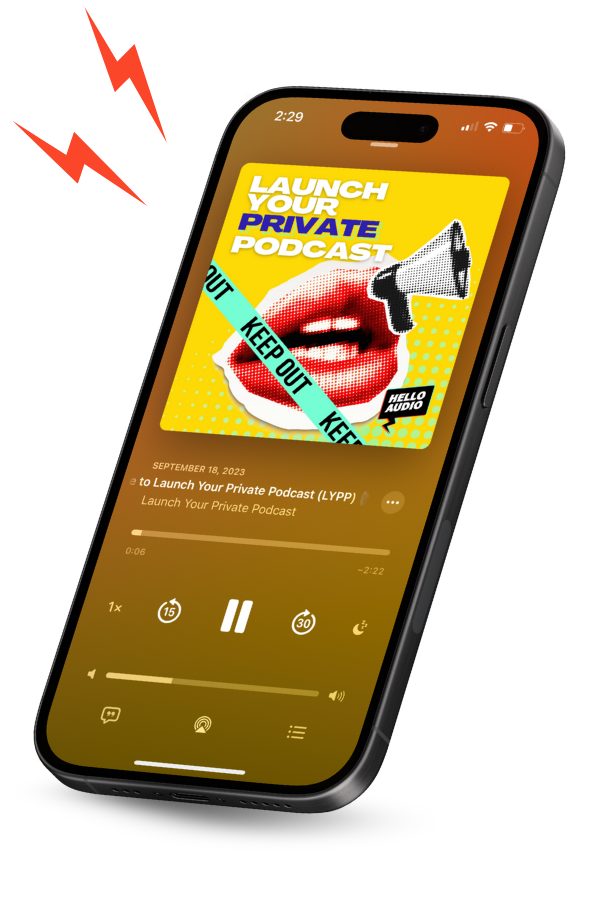
Hello Audio is built specifically for this type of podcast. After recording and editing your episode in another tool, you can upload it to Hello Audio, organize it into private podcast feeds, and let listeners access it through familiar apps like Apple Podcasts or Spotify.
- Private podcast feeds make it very easy to create separate listening experiences for your members, clients, employees, or students without exposing the content publicly.
- Drip scheduling lets you decide when each episode becomes available, which is especially useful for courses and onboarding programs.
- Listener analytics go beyond download numbers by showing how individual listeners move through your episodes.
- Access controls allow you to add or remove listeners without creating new podcast feeds every time someone joins or leaves.
Pricing:
- Starter: $14/month
- Pro: $39/month
- Powerhouse: $81/month
If your podcast is meant for a specific group of audience rather than the general public, Hello Audio gives you tools to manage access, organize content, and track listener engagement from one place.
Explore Hello Audio and start creating private podcast feeds for your audience.
2. GarageBand: Best for Solo Podcasts
GarageBand is preinstalled on Mac, which is why so many podcasters end up recording their first episode in it. Open a new project, plug in a microphone, and you’re ready to start recording.
The editing is simple enough that most people can find their way around without much effort. Recording multiple takes, trimming sections, adding intro music, and exporting an episode all happen from the same window. When you need more advanced production tools, GarageBand projects open directly in Logic Pro.
Features:
- Multitrack recording for voice, music, and sound effects.
- Built-in EQ, compression, and other audio effects.
- Royalty-free loops and music for intros and transitions.
- Native Apple Silicon performance
Pricing:
- Free for Mac and iOS users
3. Riverside: Best for Interview Podcasts
Interview podcasts are a little less predictable than solo recordings. Every guest gets a different microphone, recording setup, and internet connection, making it hard to get clean audio.
Riverside was built with that in mind. It records each participant on their own device instead of relying only on the live call, then saves separate tracks for every speaker. That gives you much cleaner files to work with and makes editing interviews far less frustrating once the conversation is over.
Features:
- Local recording for every participant.
- Separate audio and video tracks for each guest.
- Browser-based guest access with no software download required.
- AI transcripts and text-based editing tools.
Pricing:
- Pro: $12/month
- Grow: $16/month
- Webinar: $39/month
- Business: Custom pricing
4. Descript: Best for Video Podcasts
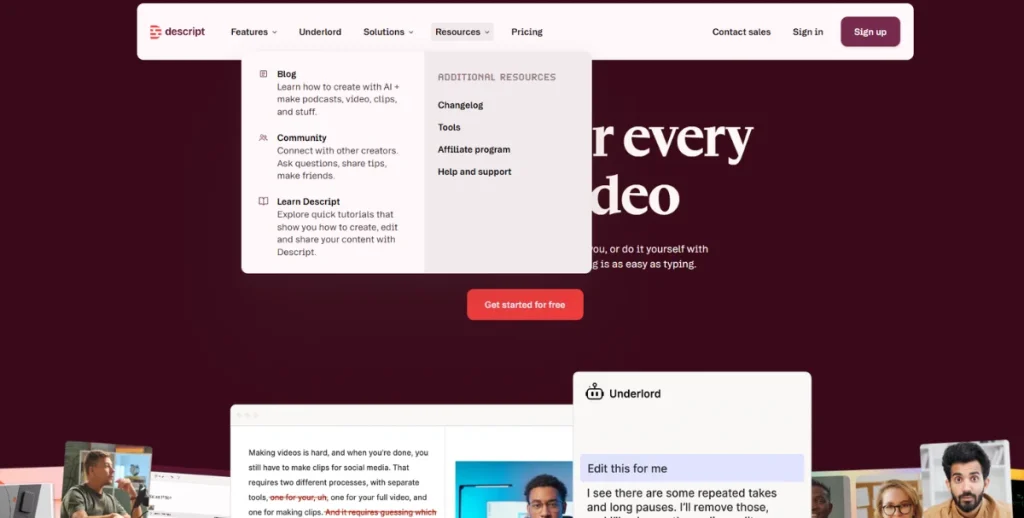
Descript is one of those tools that’s easier to understand once you start using it. Rather than editing the timeline for every small change, you work from the transcript. Delete a sentence, and that section disappears from both the audio and video.
That workflow makes sense for video podcasts because one recording often turns into several pieces of content. After editing the full episode, you can generate captions, export a transcript, and pull out shorter clips without moving the project into another application. If your podcast is published on YouTube as well as audio platforms, having everything in one place saves a lot of back and forth.
Features:
- Edit audio and video by editing the transcript.
- Generate transcripts and captions automatically.
- Create short clips from longer episodes.
- Record and edit in the same workspace.
Pricing:
- Hobbyist: $16/month
- Creator: $24/month
- Business: $50/month
- Enterprise: Custom
5. Hindenburg Pro: Best for Documentary & Storytelling Podcasts
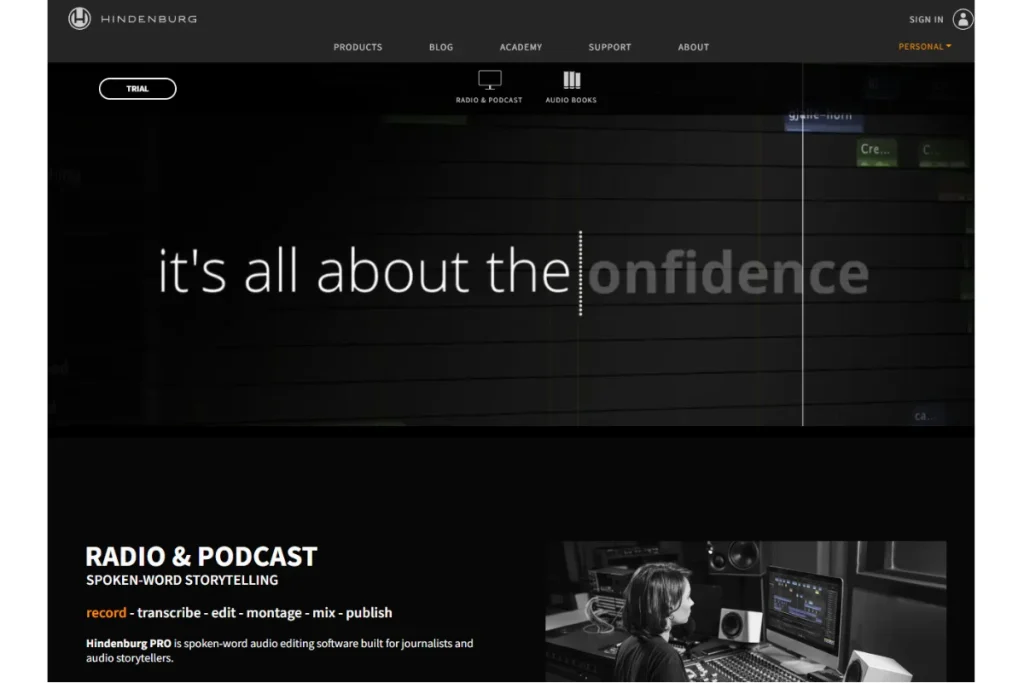
Hindenburg Pro was built for people working with spoken audio, which is why it’s often recommended by journalists, radio producers, and documentary podcasters.
Long-form interviews, narration, and field recordings are easier to manage because the software automatically matches loudness between different speakers and keeps dialogue at consistent levels throughout an episode. If your podcast relies more on conversations and narration than music or sound effects, Hindenburg spends less time getting in your way.
Features:
- Automatic Loudness keeps every episode at a consistent listening level without adjusting each clip by hand.
- Voice Profiler learns the characteristics of each speaker and applies the same settings whenever that voice appears again.
- Clipboard lets you collect interview clips and narration before arranging them on the timeline.
- Multitrack editing makes it easier to build episodes from interviews, voiceovers, music, and ambient recordings.
Pricing:
- Standard: $12/month
- Plus: $15/month
- Premium: $30/month
6. Adobe Audition: Best for Studio-Quality Productions
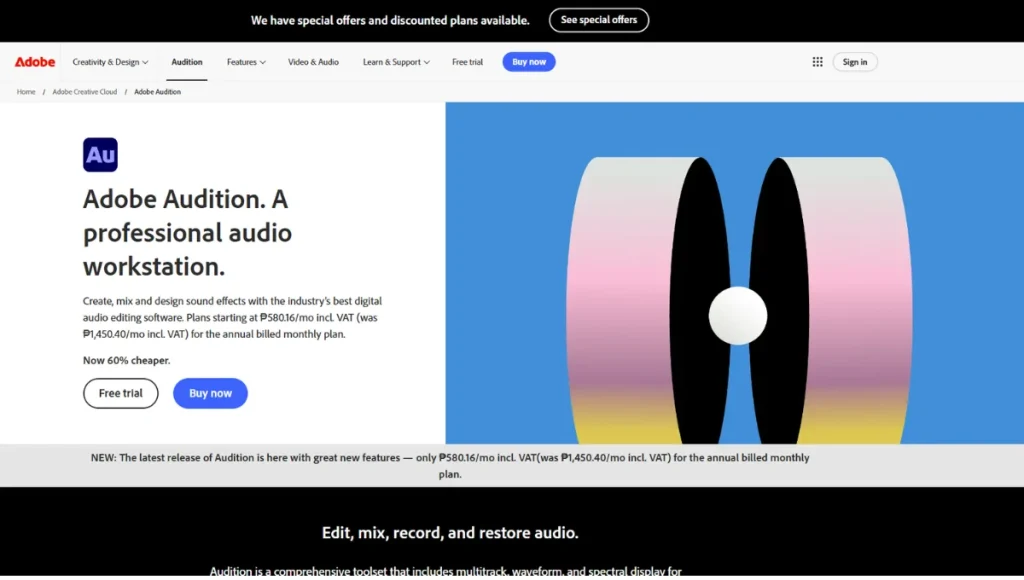
Adobe Audition is built for detailed audio editing. Beyond recording and multitrack mixing, it includes restoration tools that help reduce background noise, remove clicks and hums, and repair recordings that need more than basic cleanup.
It’s also a practical choice if your podcast is published as a video. Because Audition and Premiere Pro are both part of Adobe Creative Cloud, you can move projects between them more easily when editing audio and video for the same episode.
Features:
- Spectral Display for removing unwanted sounds without affecting the rest of the recording.
- Adaptive Noise Reduction to clean up recordings with background noise.
- Essential Sound panel for applying voice presets and basic audio adjustments.
- Dynamic Link with Premiere Pro for podcasts that also include video.
Pricing:
- Annual but billed monthly: $22.99/month
- Annual prepaid: $263.88/month
- Month-to-month: $34.49/month
7. Audacity: Best for Budget-Friendly Podcasts
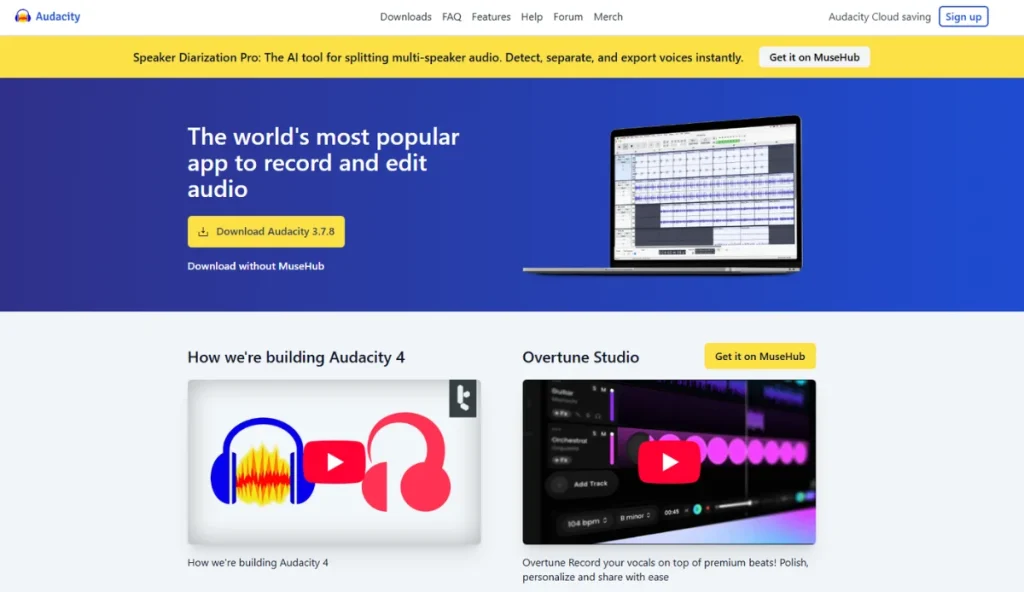
Audacity has been a favorite among independent creators for free podcast editing software because it covers the essentials without charging a subscription.
It supports recording, multitrack editing, noise reduction, plugin integrations, and exporting in all the major audio formats. The interface feels more technical than newer applications, but once you become familiar with it, Audacity offers far more flexibility than most free editors.
Features:
- Edit multiple audio tracks in a single project.
- Remove background noise and reduce reverb with built-in cleanup tools.
- Move files between Audition and other Adobe Creative Cloud apps.
- Export finished episodes in formats such as WAV, MP3, AAC, and FLAC.
Pricing:
- Free for all users
8. REAPER: Best for Advanced Podcast Editing
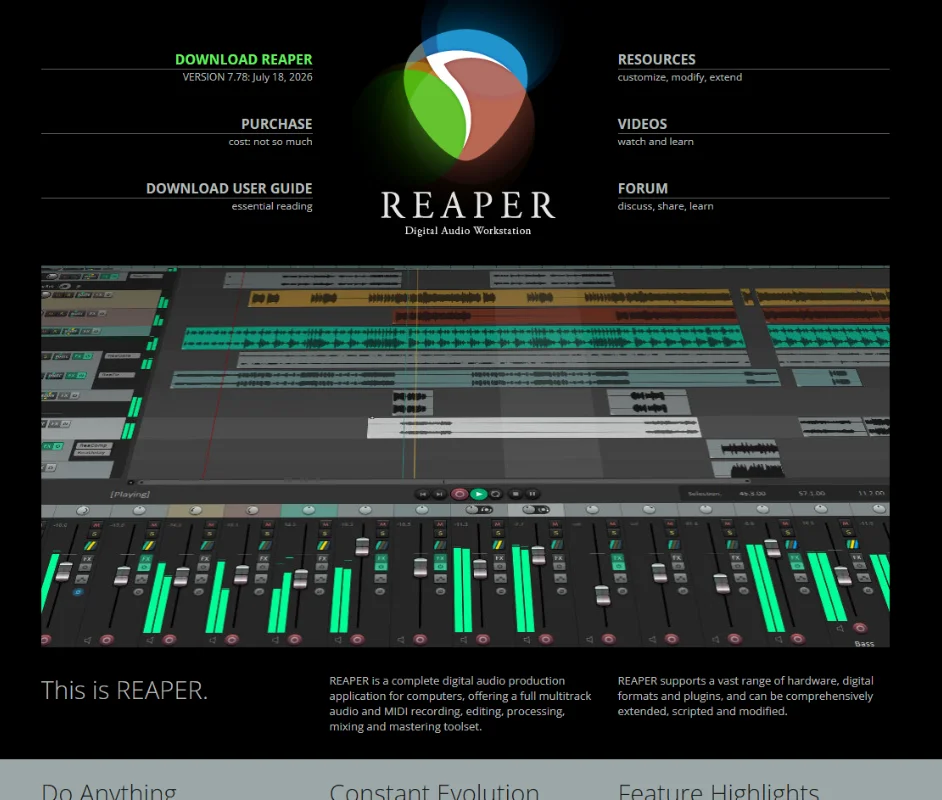
REAPER is one of the few podcast editing tools that still uses a one-time license instead of a monthly subscription. Although it’s designed as a digital audio workstation rather than a dedicated podcast editor, it includes everything needed to record, edit, mix, and export podcast episodes.
It also supports a large ecosystem of plugins, scripts, and custom actions, so editors can tailor the software to fit their workflow instead of relying on a fixed interface.
Features:
- Create projects with unlimited audio and MIDI tracks.
- Add new editing tools with VST, AU, and JSFX plugin support.
- Customize toolbars, shortcuts, and workflows to suit your editing style.
- Pay once with a discounted license instead of a monthly subscription.
Pricing:
- Starts at US$60 for a discounted personal license or US$225 for a commercial license. Both are one-time purchases.
9. Logic Pro: Best for Music-Driven Podcasts
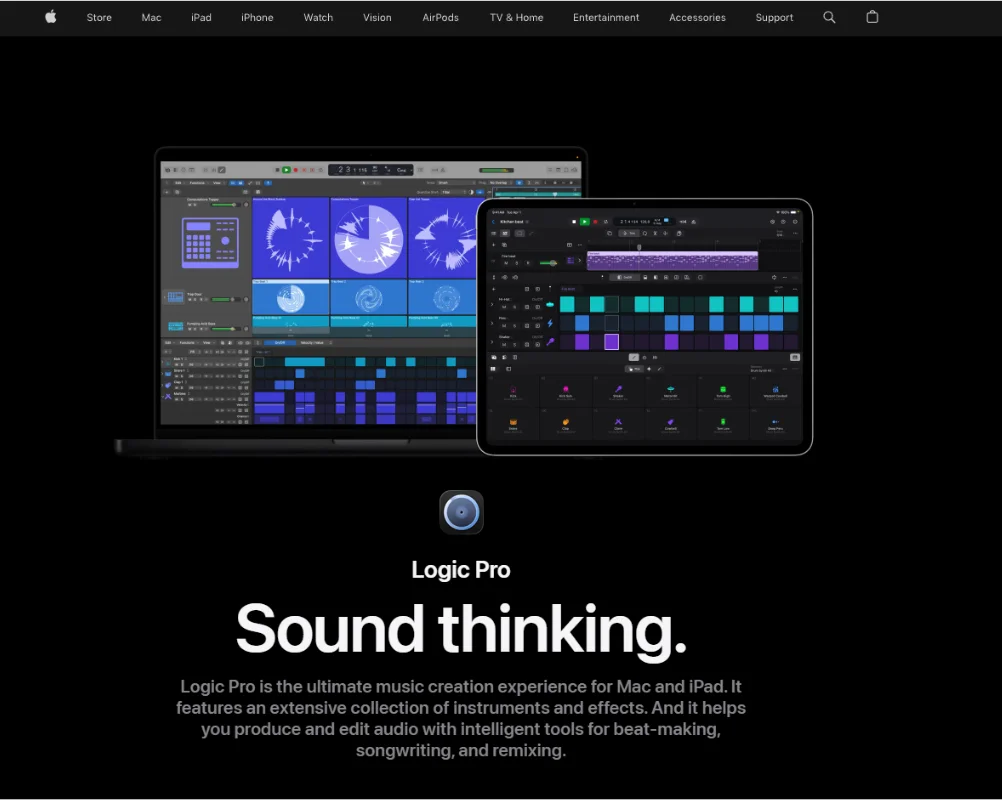
Logic Pro is Apple’s professional audio production software for macOS. It combines multitrack recording, audio editing, mixing, MIDI sequencing, virtual instruments, and built-in effects in a single application.
Although it’s widely used for music production, the same tools also work well for podcasts that include original music, detailed sound design, or complex multitrack editing.
Features:
- Native Apple Silicon optimization
- Professional recording and mixing
- Large library of sounds and loops
- GarageBand compatibility
Pricing:
- Mac: US$199.99 as a one-time purchase through the Mac App Store.
- Apple Creator Studio Bundle: US$12.99/month or US$129/year.
- Logic Pro for iPad: US$4.99/month or US$49/year.
Which Mac Podcast Software Is Right for You?
The right software depends on how you create your podcast. Before choosing a platform, look beyond the feature list and think about how it fits into your day-to-day workflow.
Here’s what you need to consider:
- Recording capabilities: If every episode of yours is a solo recording, then you probably don’t need the same tools as someone who records remote interviews or multi-person discussions. Choose software that supports the way you record today, not the workflow you might have someday.
- Editing tools: Some creators only trim mistakes and export the episode, while others spend hours balancing audio, removing background noise, and adding music or sound effects. There’s no reason to pay for advanced production tools if your editing is relatively simple.
- Publishing and hosting: Check how your episodes will reach your listeners. If you’ll be managing RSS feeds, private podcasts, or paid subscribers, look for software that includes those publishing tools.
- Scalability: Your workflow may change as your podcast grows. Features like video recording, team collaboration, transcription, and advanced automation can save time once you’re publishing more episodes.
- Pricing: Check what’s included in each plan, whether updates are covered, and if you’ll need to pay separately for features like transcription, cloud storage, or hosting.

Frequently Asked Questions (FAQs)
Still deciding which Mac podcast software fits your workflow? These answers cover a few common questions that come up before making a choice.
Can Podcast Software for Mac Import Old Podcast Projects?
It depends on the software you’re using. Most editors can import common audio formats such as WAV, MP3, and AIFF, but project files are often tied to the application that created them. If you’re switching editors, you may need to export your existing project as audio before moving it.
Can I Transfer Podcast Projects Between Two Macs?
Yes. Most podcast projects can be opened on another Mac as long as you copy the project and its audio files. The exact steps depend on the software you’re using.
Do You Need a Separate Tool to Publish a Podcast After Recording on Mac?
Not always. Some podcast software lets you publish episodes directly, while other tools stop once you’ve finished recording and editing. If your software doesn’t include publishing, you’ll simply upload the finished episode to your podcast hosting platform.
Conclusion
Finding the right podcast software is easier once you know what role it needs to play in your workflow. This guide covered 9 Mac-compatible tools, each designed for a different part of the podcasting process, so you can choose one that fits the way you create and publish your content.
If private podcasting is your priority, Hello Audio is built specifically for that experience. With private podcast feeds, drip scheduling, listener analytics, and flexible access controls, it gives you everything you need to deliver exclusive audio content through the podcast apps your audience already uses.
Start your free trial today and see how easy it is to share private podcasts with your audience.