You usually start comparing podcast hosts when something starts hampering your workflow. Maybe you find yourself paying for certain features that you don’t use, or need better private podcasting, or want tools that fit your workflow a little better. Whatever the reason, switching platforms is easier when you know exactly what you’re gaining.
In this guide, we’ll compare 8 of the best Castos alternatives, looking at their features, pricing, pros, cons, and the type of creator each one is built for.
TL;DR: 8 Castos Alternatives
If you’re short on time, here’s a quick comparison of the best Castos alternatives:
Platform
Best For
Notable Feature
Hello Audio
Private feeds for courses and memberships
Behavior-based personalization and drip feeds
Buzzsprout
Beginners who want a simple setup
Clean interface and free podcast website
Transistor
Running multiple shows on one account
Unlimited public and private shows
Riverside
All-in-one record, edit, and host
4K recording plus hosting and video
Podbean
Built-in monetization
Ad marketplace and subscriptions
RSS.com
Affordable unlimited hosting
Unlimited episodes with a free tier
Libsyn
Established podcasters who want broad distribution
Long-standing hosting with extensive distribution tools
Simplecast
Business and professional podcast teams
Advanced analytics and collaborative publishing tools
Why Users Look for Castos Alternatives
Before you start to compare the alternatives, it helps to know where Castos starts to feel limiting. Here are the areas that most often lead users to consider a different podcast host:
Higher starting cost: Castos starts at $19 per month and doesn’t offer a free plan. If you’re still validating your podcast or working with a limited budget, that upfront cost may be harder to justify.
Features locked behind higher plans: A lot of features, like advanced analytics, automatic YouTube publishing, and video hosting, aren’t available on the entry plan. So if you want to access them, you need to move to a more expensive subscription.
Limited team access: The Essentials plan is designed for a single user. Once editors, producers, or other collaborators join the workflow, upgrading becomes necessary.
Not built around private podcasting: Castos includes private podcasting, but the platform is built primarily around public podcast hosting. If you’re sharing content with members, students, or clients, you may want a platform that’s designed around private feeds from the start.
Basic website customization: Every podcast includes a website, but the design and customization options are fairly limited compared to dedicated website builders or other hosting platforms.
Some users also mention that the platform has become more feature-heavy over time. As one Castos user aweedl on Reddit mentions:
“It works for what I need, and has some features I like, but some of the new features they’ve added… Too many extra bells and whistles when, for my needs, all I want is a basic ‘upload file here, type show notes here… done.”
How We Evaluated Each Castos Alternative
Every podcast hosting platform has its own strengths. Instead of focusing on a single feature, we used a consistent set of criteria to compare each Castos alternative so you can find the one that best fits your needs.
We took into account the:
Hosting capabilities: Whether the platform supports public podcasts, private podcasts, or both, along with any limits on shows, episodes, or storage.
Ease of use: How simple it is to publish episodes, manage your content, and navigate the platform without a steep learning curve.
Features: Different set of tools that are included for podcast hosting, such as analytics, distribution, private feeds, video support, monetization, integrations, and team collaboration.
Pricing and value: How much each platform costs, what each plan includes, and whether the pricing makes sense for the features you receive.
Best use case: The type of creator each platform is designed for, whether that’s an independent podcaster, a growing network, a business, or someone delivering private audio content.
“The best app is whatever publishes everywhere with one click. No frills. No bs.”
We kept that idea in mind throughout this comparison by looking at how each platform performs in day-to-day use.
8 Castos Alternatives Worth Comparing
Every platform on this list takes a different approach to podcast hosting. Some platforms focus on public hosting, while others are better suited for private podcast feeds, video, or monetization.
Here are eight options worth considering:
1. Hello Audio
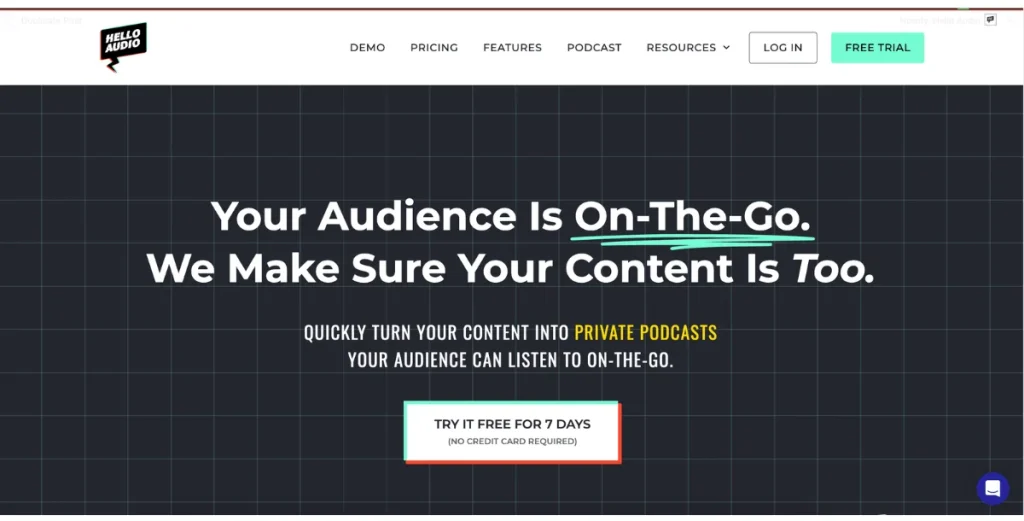
Hello Audio is a private podcast hosting platform for creators, coaches, educators, and membership businesses. Rather than centering everything around public podcast distribution, it focuses on delivering private podcast feeds that listeners can access through their favorite podcast apps.
More than 70% of new users have their first private podcast live within 24 hours, and many creators report 3–4× higher content completion rates after turning their content into audio.
Key features
Host unlimited private podcasts for your audience.
Schedule episodes or release them through drip and expiring feeds.
Personalize each listener’s experience with dynamic private feeds.
Turn existing video content into podcast episodes.
Create transcripts, summaries, and show notes with built-in AI tools.
See how listeners engage with your content through built-in analytics.
Integrate with leading course, membership, and payment platforms.
Hello Audio has strengths as well as a few limitations to keep in mind:
Pros
Cons
Easy to set up and manage private podcasts
Not built for large public podcast networks
Keeps listeners engaged with personalized delivery
If your business revolves around delivering exclusive audio content, Hello Audio is designed to make the process straightforward. Explore the platform to see how quickly you can get your content into your audience’s favorite podcast apps.
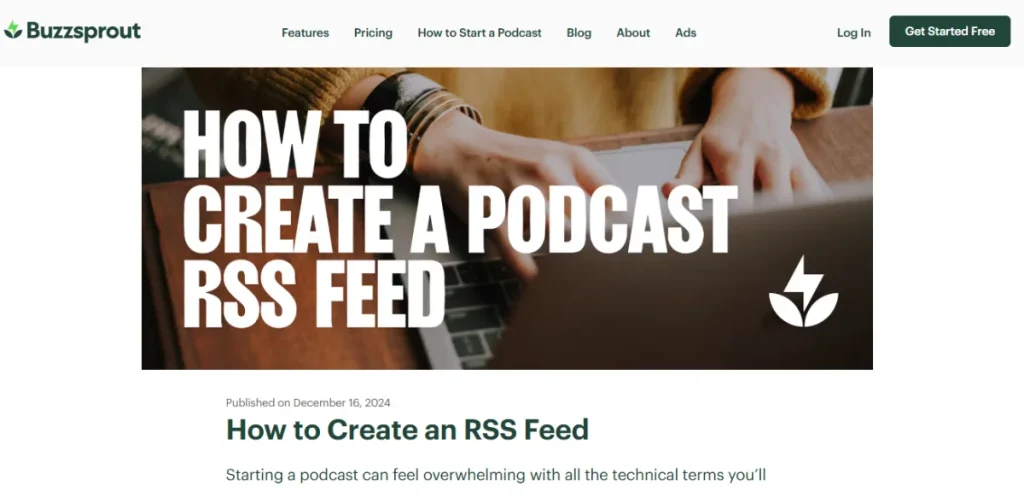
Buzzsprout is one of the easiest podcast hosting platforms to get started with. The dashboard is simple to navigate, publishing a new episode takes just a few steps, and the platform handles distribution to the major podcast directories for you. That’s why it’s often recommended for first-time podcasters.
Key features
Publish both audio and video podcasts from one dashboard.
Distribute your podcast to the major listening apps with just a few clicks.
Track downloads and listener trends with built-in analytics.
Create a free podcast website for your show.
Earn revenue through ads and paid subscriptions.
Generate transcripts and other content with AI tools.
Here’s a quick look at its pros and cons:
Pros
Cons
Easy to learn and use, even for first-time podcasters
Monthly upload limits apply to every plan
Includes everything needed to launch a public podcast
Private podcast features are more limited than dedicated platforms
Free plan available to test the platform
Episodes on the free plan are only hosted for 90 days
Pricing:
Audio: $15/month
Audio+Video: $25/month
Multi-Podcast: $30/month
3. Transistor
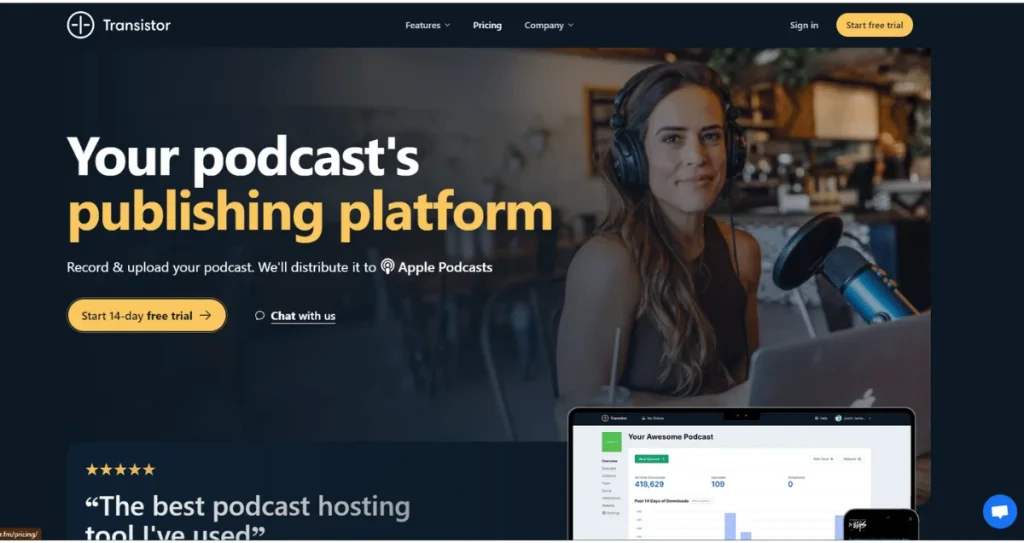
Transistor combines podcast hosting with tools for managing multiple public and private shows. Every paid plan supports unlimited podcasts, making it a popular choice for creators, businesses, agencies, and podcast networks that publish multiple shows from a single account.
Key features
Host unlimited public and private podcasts on every plan.
Invite team members to manage shows together.
Distribute episodes to the major podcast directories.
Track podcast performance with built-in analytics.
Create branded podcast websites for every show.
Support both audio and video podcasts.
Here’s a quick look at the pros and cons:
Pros
Cons
Easy to manage multiple podcasts from one account
No free plan
Scales well as your podcast portfolio grows
Built-in recording and editing tools are limited
Works well for teams and businesses
The starting price is higher than some beginner-friendly hosts
Pricing:
Starter: $19/month
Professional: $49/month
Business: $99/month
Enterprise: $199/month
4. Riverside
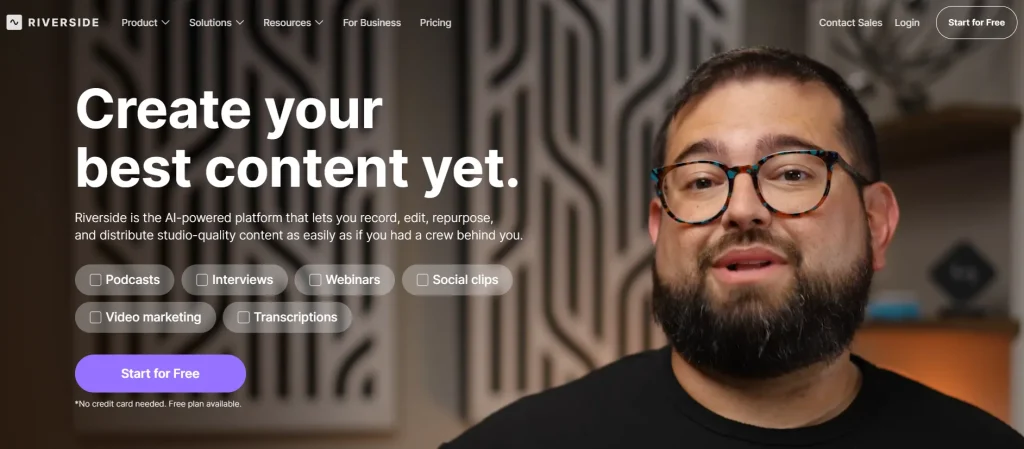
Riverside is a podcast recording, editing, and hosting platform built for creators who generally produce remote interviews and video podcasts. It records audio and video locally on each participant’s device, helping maintain high-quality recordings even when the internet connections aren’t perfect.
Along with recording and editing tools, it also includes podcast hosting, so you can publish episodes from the same platform.
Key features
Record audio and video in up to 4K quality.
Edit episodes with AI-powered tools.
Host and publish podcasts from the same platform.
Record with up to 10 remote guests.
Generate transcripts, captions, and show notes.
Stream live to social media platforms.
Here’s a quick look at its pros and cons:
Pros
Cons
Keeps recording, editing, and hosting in one workflow
Podcast hosting isn’t its primary focus
A good fit for interview-based and video podcasts
Advanced recording features require paid plans
Pricing:
Pro: $12/month
Grow: $16/month
Webinar: $39/month
Business: Custom pricing
5. Podbean
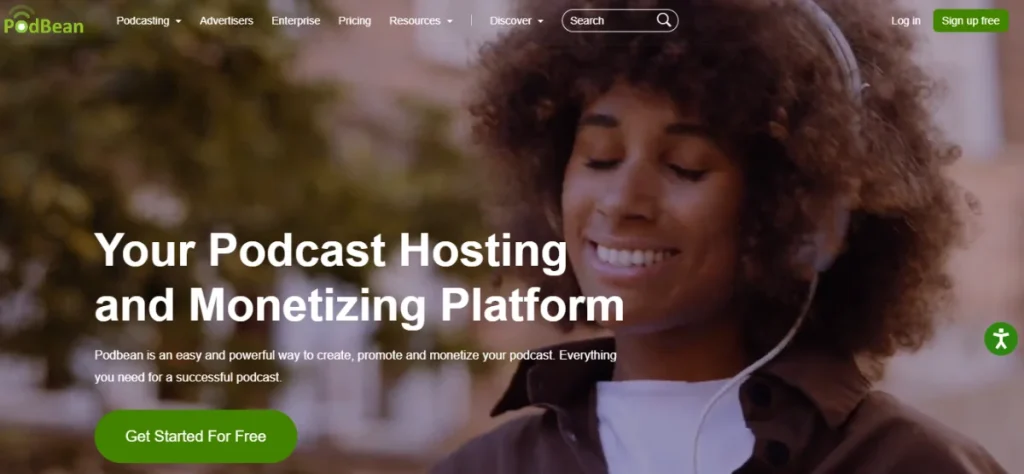
Podbean is a podcast hosting platform that combines publishing, distribution, and monetization in one place. Along with hosting public and private podcasts, it gives creators multiple ways to earn revenue through subscriptions, advertising, live streaming, and listener donations, making it a popular choice for creators looking to grow and monetize their audience.
Key features
Host public and private podcasts in one place.
Earn revenue through advertising, paid subscriptions, or listener support.
Live stream without relying on a separate platform.
A podcast website that’s ready to use as soon as your show is published.
Listener analytics that show how your podcast is performing.
Distribution to Apple Podcasts, Spotify, and other major podcast apps.
Here’s a quick look at its pros and cons:
Pros
Cons
Good option for creators planning to grow revenue
Advanced features are reserved for higher-tier plans
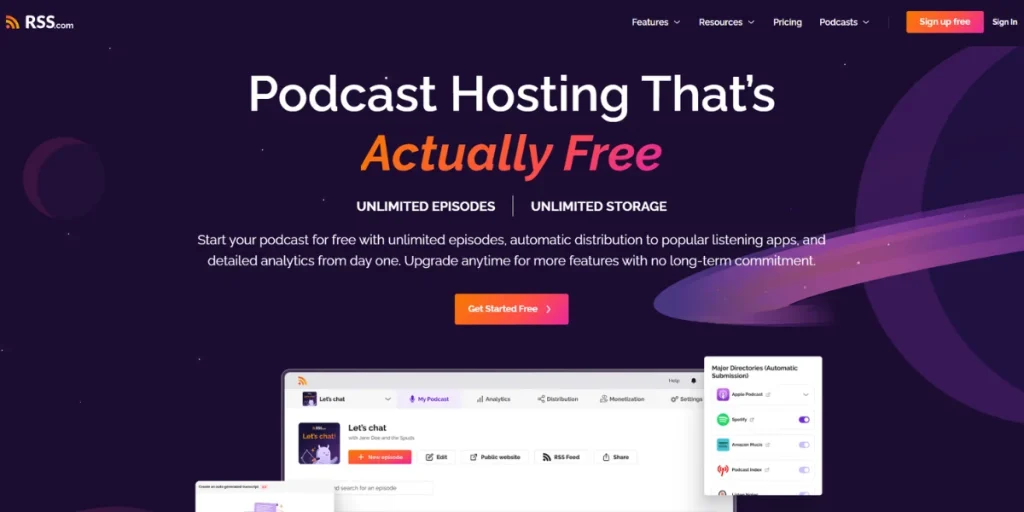
RSS.com is a podcast hosting platform that offers unlimited episode hosting, podcast distribution, analytics, and monetization tools in one place. It’s become a popular choice for new and independent podcasters because of its straightforward pricing, unlimited uploads on paid plans, and simple publishing workflow.
Key features
Unlimited episodes on every paid plan.
Automatic distribution to Apple Podcasts, Spotify, YouTube Music, and other major podcast apps.
Built-in analytics that bring listener data into one dashboard.
Dynamic advertising and listener donations for podcast monetization.
AI-generated transcripts for every published episode.
A podcast website is included with every hosted show
Here’s a quick look at its pros and cons:
Pros
Cons
One of the more affordable podcast hosting platforms
Private podcast features are more limited than dedicated platforms
Straightforward to set up and manage
Fewer advanced tools for larger podcast networks
Unlimited episodes on every paid plan
Pricing:
Local and Niche: Free
All-in-One Podcasting: $11.99/month
Podcast Networks: $18.75/month
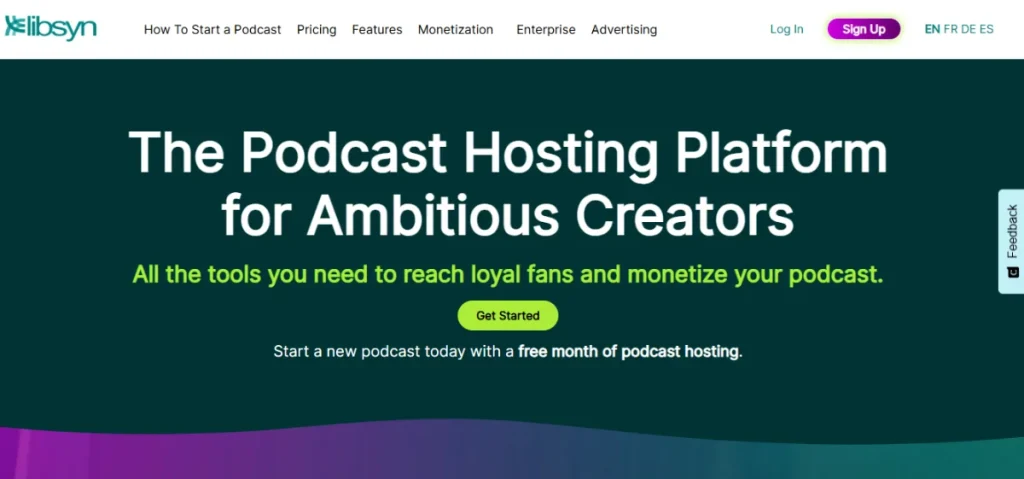
7. Libsyn
Libsyn is one of the oldest podcast hosting platforms and has remained a familiar name in podcasting for more than two decades. While many newer hosting services have entered the market, Libsyn continues to be a common choice for podcasters who value experience and long-term reliability.
Key features
Support for both audio and video podcasts.
Distribution across the major podcast listening platforms.
Built-in advertising and premium subscription tools.
Analytics for downloads and audience growth.
A dedicated website for each podcast.
Multi-show management from a single dashboard.
Here’s a quick look at its pros and cons:
Pros
Cons
Broad distribution and monetization options
The interface feels dated compared to newer platforms
Reliable option for long-term podcast hosting
Storage limits vary by plan
Pricing:
Basic: $12/month
Advanced: $25/month
Max: $150/month
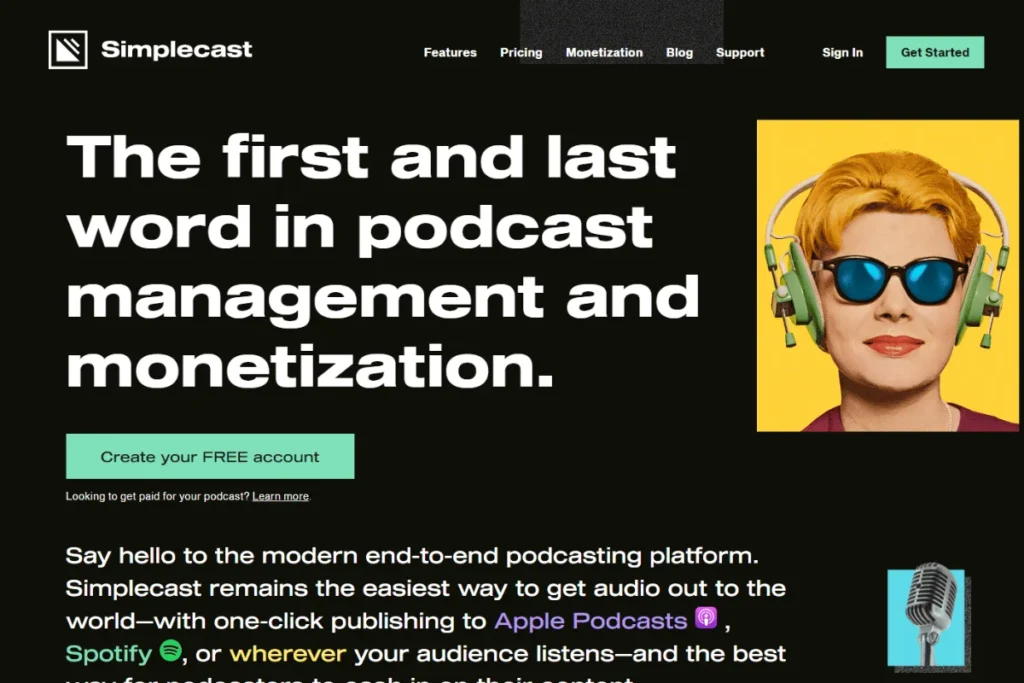
8. Simplecast
Simplecast takes a business-first approach to podcast hosting. It combines reliable hosting with collaboration tools, detailed listener analytics, and distribution features that make it easier for teams to manage podcasts together.
That’s why it’s often used by brands, media companies, and organizations publishing podcasts as part of their content strategy.
Key features
Publish and manage multiple podcasts from one dashboard.
Team member access with collaborative workflows.
Detailed listener analytics across major podcast apps.
Distribution to Apple Podcasts, Spotify, YouTube Music, and other directories.
Customizable podcast website and embeddable web player.
Private podcast feeds for internal or subscriber-only content.
Here’s a quick look at its pros and cons:
Pros
Cons
Well-suited for team managing podcasts together
No built-in recording or editing tools
Detailed analytics help measure podcast performance
Limited website customization
Strong option for business and branded podcasts
No free plan
How to Migrate Away From Castos
After you have chosen a new podcast host, you’ll need to move your RSS feed from Castos. Most hosting platforms walk you through the import process, so the migration is largely about transferring your feed and checking that everything is working before you switch over.
The process comes down to 3 steps:
Back Up Your Castos Feed
Start by saving a copy of your podcast information and noting your current RSS feed. It’s also worth keeping your Castos account active until you’ve confirmed your podcast is working correctly on the new platform.
Set Up Your New Host
Open an account with your new podcast host and import your current Castos RSS feed. Most of the hosts will automatically pull in your existing episodes, artwork, and podcast information. Before you start publishing anything new, take a few minutes to compare the imported podcast with your Castos version and fix anything that didn’t transfer correctly.
Add a Redirect and Test Playback
Once the new feed is ready, add a 301 redirect to your Castos RSS feed. This basically tells all the podcast apps to look for future episodes at the new address instead. Give it a little time to update, then check your podcast in Apple Podcasts, Spotify, and a couple of other apps to make sure new episodes are coming from the new feed before closing your Castos account.
The migration process is pretty simple, as one Reddit user podversity puts it:
“Switching your podcast hosts isn’t difficult. It is just about putting a redirect in place with your old host, and pretty much all hosts do it for their customers.”
Frequently Asked Questions (FAQs)
Here are answers to some of the most common questions about choosing and switching to a Castos alternative:
Do Castos Alternatives Support Video Podcasts?
Some do. Platforms like Riverside, Buzzsprout, Libsyn, Podbean, and RSS.com support video podcasts, while others focus primarily on audio. If video is part of your publishing strategy, check each platform’s hosting and distribution capabilities before signing up.
Do Castos Alternatives Include Episode Transcriptions?
Generally, yes. Most modern podcast hosts offer AI-generated transcripts, although how you access them varies. Some generate transcripts automatically, while others make the feature available only on select plans.
Which Podcast Apps Work With Private Feeds?
The answer depends on the platform you’re using. Most of the private podcast hosts support Apple Podcasts and several third-party apps, but Spotify support isn’t universal because it doesn’t accept private RSS feeds from every provider.
If private podcasting is one of your main requirements, check the platform’s supported apps before you sign up.
Do You Need Recording Software to Host a Podcast?
Yes, unless your hosting platform includes recording tools. Most podcast hosts are built to store, distribute, and manage your episodes rather than record them.
If you don’t already have recording software, platforms like Riverside let you record and host your podcast from the same account.
Is a Free Trial Available Before You Commit?
Some Castos alternatives offer free plans, while others provide a free trial. If you’re still deciding between platforms, trying one with a free plan or trial is an easy way to see whether the dashboard, publishing workflow, and features fit the way you work.
Conclusion
There’s no single “best” Castos alternative because every podcast has different priorities. Someone might need private podcasting, video production, monetization, managing multiple shows, or keeping costs under control.
If private audio delivery is at the center of your business, Hello Audio is well worth a look. With personalized private feeds, drip delivery, AI-powered content repurposing, and integrations with popular course and membership platforms, it gives you everything you need to deliver audio content your audience can access from their favorite podcast app.
Sign up today and see if it’s the right fit for your workflow.
Tune in to Launch Your Private Podcast, where real Hello Audio users share how they’re using private podcasts to increase audience engagement and drive more leads and sales.
Upgrade to Powerhouse and save 50% for a full year during our Black Friday event. This exclusive offer is available to current Starter and Pro users only. Join the waitlist to get notified when it goes live.
This is our biggest upgrade deal of the year — don’t miss your chance to lock it in!
Don’t Miss Our Black Friday Sale
Get notified as soon as our Black Friday sale goes live. New and returning users save 40% on Hello Audio for one full year.