
You’re probably ready to jump into podcasting or elevate your current show if you’re here.
In your exploration of podcast software, you might have come across Riverside vs. StreamYard. While both offer similar core features — recording, streaming, and editing — they were designed for different podcasters.
Below, we’ll examine the differences between the two tools, including their features and pricing. We’ve also included Hello Audio, an alternative podcasting software.
TL;DR – Riverside vs. StreamYard
Don’t want to read the whole comparison right now?
Here are Riverside FM’s pros and cons benchmarked against StreamYard.
| The user interface is easy to navigate. Has built-in content repurposing tools to help you monetize past recordings. Supports paywalls, subscriptions, and dynamic ad placements. | You need a premium plan to access advanced features. |
There’s no doubt Riverside and StreamYard have great features, but there’s an easier way to create and launch private podcasts.
Our platform lets you create private podcasts from audio and video content — be it audiobooks, Zoom recordings, videos, and more. You can also track podcast performance, schedule shows, or add targeted tags from our platform.
So, why wait?
Get started with a 7-day free trial and launch your podcasts in a day.
What to Look for in a Podcast Platform
Before you pick a podcast platform, it helps to know what actually matters. The best platform for you really depends on what you want to do with your podcast and how simple you want the process to be.
Here are a few things worth paying attention to:
- Recording Quality: Having a good audio and video quality matters a lot, especially when you’re planning to interview guests or stream live. You need to look for such platforms that offer high-resolution recording and stable performance even with multiple participants.
- Ease of Use: Not every creator wants to deal with complicated setups. A clean dashboard, simple controls, and quick start options can save you a lot of time.
- Built-in Tools: Some platforms offer additional features such as editing, transcripts, or automatic uploads. These can save a lot of time, especially if you don’t want to use different tools for every step.
- Streaming and Sharing Options: Think about how you plan to publish your podcast. You might want to go live, download recordings, or share episodes on different platforms. Not every tool supports all of these.
- Pricing and Plan Limits: Free plans can be helpful, but they often come with restrictions. It’s a good idea to check what you get in each plan before you decide which platform to use.
What is Riverside?
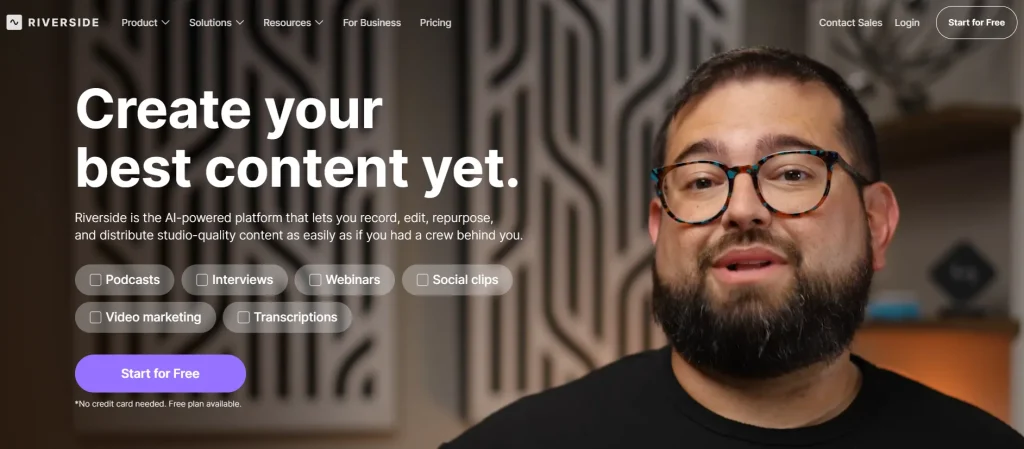
Riverside FM stands out as an online recording platform that allows podcasters to effortlessly capture studio-quality audio and video.
Moreover, you can record a podcast remotely without compromising on quality.
Riverside Features
Here’s a quick overview of Riverside’s features:
- Local Recording: You can record 4K video and 48kHz audio even with a weak internet connection.
- Multi-stream to Popular Social Channels: You can record and live stream to platforms like Twitter, Facebook, and YouTube.
- AI-Powered Features: Riverside FM boasts vast AI features that let you create automatic transcripts, generate show notes, remove background audio noise, and generate clips for social media.
Riverside Benefits
Is Riverside FM a great podcasting tool? Here are 3 main advantages of Riverside:
- Remote Audio and Video Recording: Invite guests from any location, and they can join from their computer or phone.
- Easy Post Production: Riverside makes editing podcasts easy because it lets you edit individual tracks for each participant.
- Professional Show: With Riverside, you can record 4K videos and uncompressed transparent audio files. You can also use the AI editing tools to fine-tune your recordings.
How to Use Riverside FM
Getting started with Riverside FM is pretty straightforward, even if you haven’t used a recording platform before.
Here’s what the basic process usually looks like:
- Create Your Account: Sign up on Riverside FM and open a new studio from your dashboard.
- Set up your Recording Session: Choose your video and audio settings, then create a studio link for your guests.
- Invite Participants: Then share the invite link to your guests so they can join from their own device. Riverside can record each person locally, which is really helpful for maintaining clear, high-quality audio.
- Start Recording: Once everyone joins, you can start your recording session directly in the browser without installing any extra software.
- Download or Edit your Files: After the session, you can download separate tracks, create clips, generate transcripts, or use the built-in editing tools.
Is Riverside FM Free?
Yes, Riverside FM offers a free plan, but it has limited recording time and fewer export options. If you want more recording hours, higher video quality, and advanced features, you’ll need a paid plan.
Here are the current Riverside FM pricing tiers:
- Pro – $24/month (billed yearly)
- Live – $34/month (billed yearly)
- Webinar – $79/month (billed yearly)
- Business – custom pricing for advanced and team use
Riverside Pricing
Riverside FM has four pricing plans, which are:
- Free plan: You can record up to 2 hours of video and audio content.
- Standard: For $19 monthly, you can record 5 hours of audio and video podcasts.
- Pro: This plan offers up to 15 hours of recordings and is priced at $29 per month.
- Business: This plan has custom pricing.
Riverside Reviews
- Capterra: 4.3 out of 5 stars
- G2: 4.8 out of 5
- Trustpilot: 4.0 out of 5
Users appreciate the high-quality recording, intuitive interface, and remote recording features. However, some users highlighted the poor customer service.
What is StreamYard?
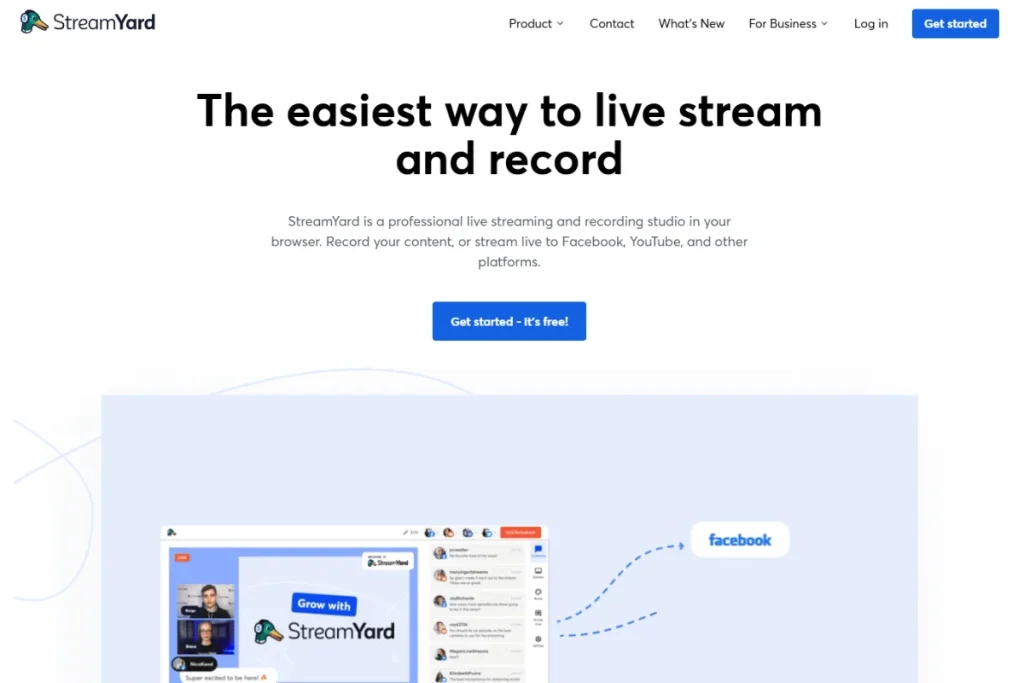
StreamYard was initially designed as a live-streaming platform. It allows you to stream videos (and audio) into channels like Facebook, YouTube, LinkedIn, and more.
Over the years, it has become one of Riverside’s alternatives and extended its scope to podcast recording and editing.
StreamYard Features
Why StreamYard?
Here are some of its standout features:
- Multi-Platform Streaming: One of StreamYard’s features is the ability to simultaneously go live on social platforms like Twitch, Facebook, and LinkedIn.
- Branding Tools: You can personalize your live podcast shows with your brand colors, logo, overlays, or videos.
- Remote Live Streams: StreamYard lets you invite up to 10 guests to your show, enabling multi-guest interviews and discussions.
StreamYard Benefits
Is StreamYard worth a shot?
Check out the top 3 benefits we’ve highlighted below:
- Actively Engage Your Audience: StreamYard provides plenty of interactive tools to chat with viewers or listeners.
- Connects with Social Channels: The platform helps you to reach your audience on different social platforms.
- Repurpose Your Live Streams: In addition to saving live streams, StreamYard lets you download and repurpose them into video or audio podcasts.
How to Use StreamYard
Using StreamYard is simple, especially if you want to go live or record video podcasts without setting up complicated software. You can run everything on the browser, which helps you start streaming or recording in just a few steps.
Here’s how the basic setup works:
- Create your Account: Sign up on StreamYard and log in to your dashboard.
- Connect your Streaming Destination: You can link platforms like YouTube, Facebook, LinkedIn, or other streaming services before your session starts.
- Enter the Studio: Create a new broadcast or recording, then enter the StreamYard studio from your browser.
- Invite Guests if Needed: Share the invite link so guests can join your stream or recording from their own device.
- Start Streaming or Recording: Once everything is ready, you can go live or record directly from the studio and download the video later if needed.
Is StreamYard Free?
Yes, StreamYard offers a free plan, but it comes with limitations such as StreamYard branding, fewer streaming options, and restricted features. It works if you just want to try the platform, but most creators upgrade to remove the watermark and unlock more tools.
Here are the current StreamYard pricing tiers:
- Core – starting at $35.99/month (billed yearly)
- Advanced – starting at $68.99/month (billed yearly)
- Business – custom pricing for businesses and larger productions
StreamYard Pricing
Here’s a quick summary of StreamYard pricing plans:
- Free: You can have a maximum of 6 participants in the stream.
- Core: At $25 per month, you can have 10 guests on the stream and record 1080p video podcasts.
- Advanced: Priced at $49 monthly, you can record 4K local recordings.
- Teams: At $298, you can record up to 8 hours of video content and invite 10 co-hosts.
- Business: Get custom pricing on this plan.
StreamYard Reviews
- Capterra: 4.6 rating out of 5
- G2: 4.8 out of 5
- TrustPilot: 3.2 out of 5
Most users praised StreamYard for its ease of use and live streaming features. However, some users criticized its connection issues, poor quality, and limited features.
What About Hello Audio?
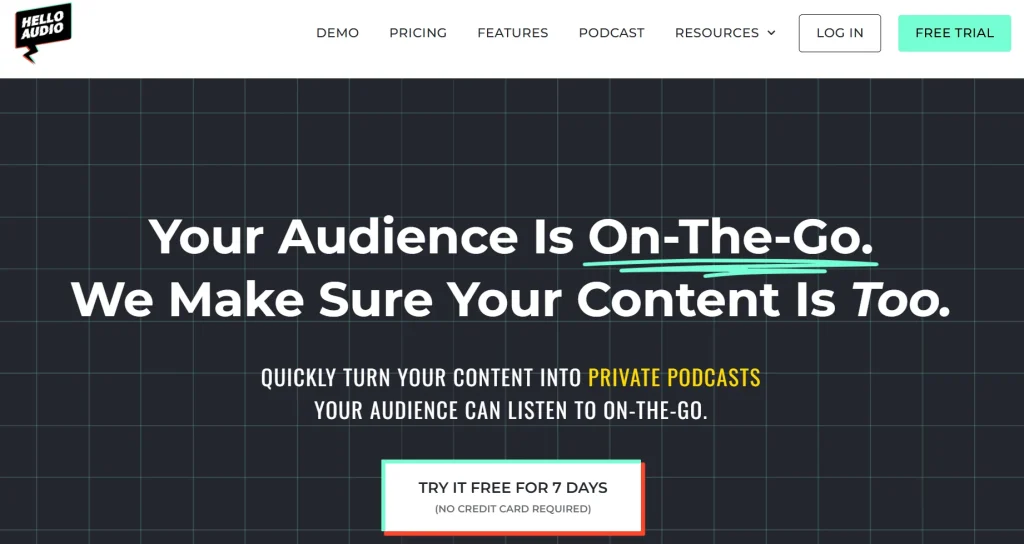
Unlike Riverside and StreamYard, our platform is the best beginner-friendly private podcast hosting solution.
You can drag and drop media files (including call recordings and TikTok videos) onto our platform. Our tool will convert them into private audio feeds in minutes.
Hello Audio Features
So why should you pick Hello Audio over Riverside and StreamYard?
Here are 5 exciting features of our tool.
- Monetize Audio Content: Our tool lets you create paid, subscriber-only podcasts. It integrates with Stripe, making it easy to collect payments. An example is Jeremy, who created a premium podcast using our tool and added 16k in revenue.
- Auto-transcribe Podcasts: Our tool lets you instantly and accurately transcribe your audio.
- Automatically Publish Podcasts: Our platform lets you directly deliver podcasts to directories like Spotify, Podcast Addict, and Overcast.
- Audio Remastering and AI Tools: Our Dobly Audio Remastering tool quickly improves the quality of your podcasts. You can also leverage our AI features to generate social media posts, create YouTube descriptions, and more.
- Secure Podcasts: Our tool allows businesses and companies to create private RSS feeds, and they can control access.
Hello Audio Pricing
What plan should you choose? Let’s help you.
- Starter: At $17 per month — you can host unlimited episodes and listeners, embed your podcast player anywhere, use Zapier and Stripe integration, and more.
- Pro: $47 per month — includes drip and date-based podcast features; you can create up to 3 private feeds.
- Powerhouse: $97 per month — designed so you can create unlimited private feeds, access unlimited transcripts, and set your podcast apart with custom colors.
Want to give Hello Audio a try?
Book an instant demo today and start your journey of nurturing a private podcast listener community.
Detailed Comparison: StreamYard vs. Riverside (vs. Hello Audio)
Here’s a closer look at how StreamYard, Riverside, and Hello Audio compare when it comes to features, pricing, and overall use case:
Similarities and Differences
It’s vital to see how these tools are similar and their differences. So, let’s take a closer look.
Riverside vs. StreamYard Similarities
These are the 4 key features Riverside and StreamYard have in common:
- Remote and Local Recording: Both platforms let you invite guests to join your podcast remotely and record separate audio and video files on the participants’ devices.
- Live Streaming: They allow you to live stream your podcasts and broadcast your show across multiple platforms.
- Customization: Like StreamYard, Riverside lets you customize your podcast’s background and layouts to match your brand.
- Basic Free Plans: Both software have free plans with limited features.
Riverside vs. StreamYard Differences
Let’s talk about the starkest difference between StreamYard and Riverside:
- Primary Features: StreamYard focuses on live streaming and allows real-time interactions. On the other hand, Riverside enables you to record high-quality content remotely.
- Mobile App: Riverside has an Android and iOS app for recording and streaming audio and video content, while you can only access StreamYard through your browser.
- Editing Capabilities: Unlike StreamYard, Riverside offers comprehensive post-production features like text editing, AI tools for content creation, and multitrack editing tools.

StreamYard or Riverside: Which One Should You Choose?
Choosing Riverside FM or StreamYard depends on your needs.
If you’re looking for high-quality podcast recording, vast podcasting features, and AI time-saving features, you should consider Riverside.
On the other hand, StreamYard might be ideal for multi-streaming your shows and engaging with your audience in real-time.
The Bottom Line
What if you’re looking for more?
Our platform shines in private podcast hosting.
It lets you create private podcasts to grow your community, boost course consumption, and increase revenue.
Our tool allows you to autopublish your private audio feeds and deliver them directly to podcast platforms like Apple Podcasts.
Try Hello Audio for the next 7 days — no credit card required!
Frequently Asked Questions (FAQs)
Got more questions?
We’ve answered the common questions on Riverside FM vs. StreamYard.
Which Platform is the Best for Hosting Private Podcasts?
Hello Audio is a game-changer for podcasters who aim to create and host private audio feeds.
Our platform lets you repurpose your existing content, such as meetings and courses, into private podcasts. Furthermore, our tool enables you to access listener engagement data and creates member-only private podcasts.
Which Platform Offers Better Analytics: StreamYard or Riverside?
Riverside doesn’t provide podcast metrics, but you can quickly check podcast stats on directories like Spotify and Apple Podcasts.
On StreamYard, you can only see the viewership count when broadcasting live shows.
Which Platform is More Suitable for Business Use, Riverside or StreamYard?
Riverside is more suited for businesses than StreamYard.
It allows you to host branded video and audio podcasts, record interviews remotely, and collaborate with your team. Its vast AI tools also transform your podcast workflow.
However, StreamYard might be ideal for enterprises that want to hold corporate meetings, launch products, or conduct online workshops.