

An essential step in launching and selling your online courses is choosing the right course platform.
Teachable and Podia both offer tools to help you build, market, and sell digital products, but they differ in pricing, customization, course features, and the overall experience they provide.
Choosing between Teachable and Podia comes down to the features that matter most to your business.
This comparison guide breaks down their pricing, core features, strengths, limitations, and where each platform stands so you can decide which one is the better fit.
TL;DR – Teachable vs. Podia
If you don’t have time to read our in-depth Teachable vs. Podia comparison, you can check our summary of the pros and cons of these 2 platforms for content creators.
Includes course compliance, quizzes, and certificates Supports coaching, memberships, and digital downloads Built-in affiliate program on higher plans Student apps for iOS and Android Handles global payments and taxes | Built-in email marketing and automation Live messaging with customers Unlimited students on all paid plans Simple interface that’s easy for beginners to use |
Published product limits on every plan Many advanced features require higher-tier plans | Less website customization compared to some competitors Transaction fees apply on lower-tier plans |
If private podcasting is part of your content strategy, Hello Audio converts your existing courses, webinars, coaching sessions, and videos into private podcast RSS feeds that listeners can access through their favorite podcast apps.
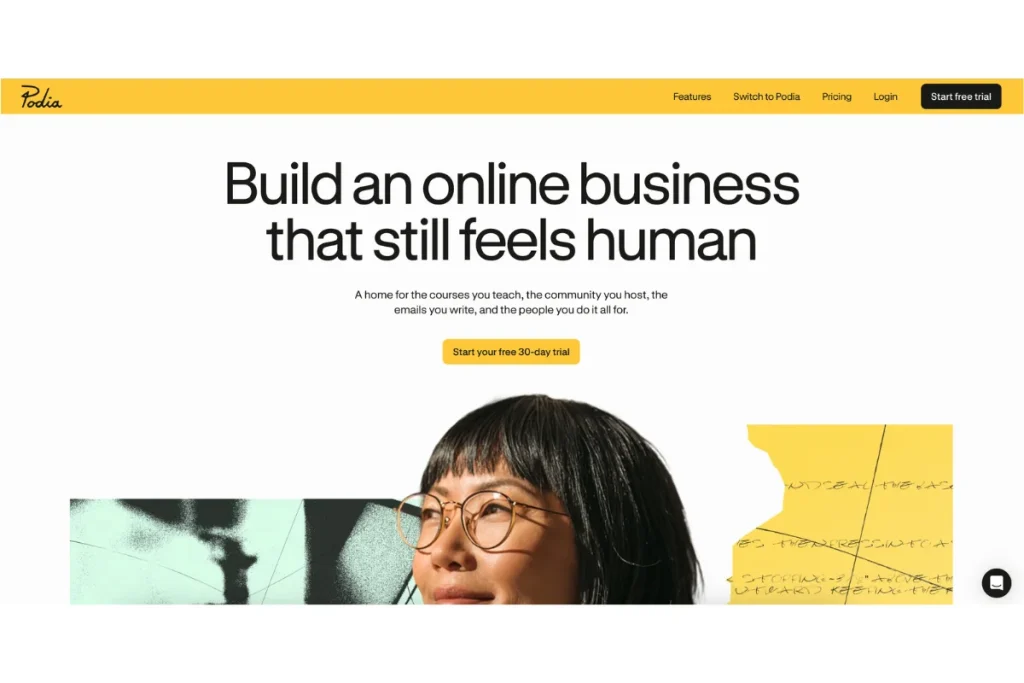
What is Podia?
Podia is an all-in-one platform for creators who want to sell a variety of digital products from a single place. Along with online courses, it supports memberships, webinars, digital downloads, and coaching, which makes it a practical choice for creators who want to grow beyond a course-only business.
The platform also includes built-in tools for selling products, managing customers, and growing your audience, so you can run most of your business without relying on multiple platforms. Community features give your members a dedicated space to connect and engage around shared interests.
Podia Features
Podia offers a range of tools for creating, selling, and managing digital products from one platform. Some of its standout features include:
- Drag-and-drop course builder: Create online courses using videos, audio, PDFs, quizzes, and other content without needing technical skills.
- Built-in email marketing: Send broadcasts, create automated email campaigns, and track performance without connecting a separate email marketing platform.
- Webinar hosting: Sell access to live webinars through Zoom or YouTube Live, making it easy to offer workshops, live training sessions, and events alongside your courses.
- Unlimited products and students: All paid plans let you sell unlimited courses and digital products while supporting an unlimited number of customers as your business grows.
- In-app messaging: Chat with visitors directly from your website to answer questions, provide support, and encourage more people to complete a purchase.
- Community features: Build member communities where customers can interact, join discussions, and stay engaged beyond your course content.
Podia Pricing Plans
Podia offers three paid plans designed for creators at different stages of growth:
- Mover: Costs $42/month when billed annually. It includes up to 100 email subscribers, 50 products, 500 videos, 25 community spaces, and charges a 5% transaction fee on sales.
- Shaker: Costs $84/month when billed annually. It removes Podia transaction fees and adds features such as affiliate marketing, upsells, PayPal support, Zapier integrations, and support for 150 products.
- Earthquaker: Costs $150/month when billed annually. It includes unlimited products, videos, community spaces, and assistants, along with zero transaction fees and access to Podia’s full feature set.
Podia offers a 30-day free trial included with all plans, giving you time to explore the platform before choosing a paid plan. If you want to eliminate Podia transaction fees entirely, you’ll need to subscribe to either the Shaker or Earthquaker plan.
What is Teachable?
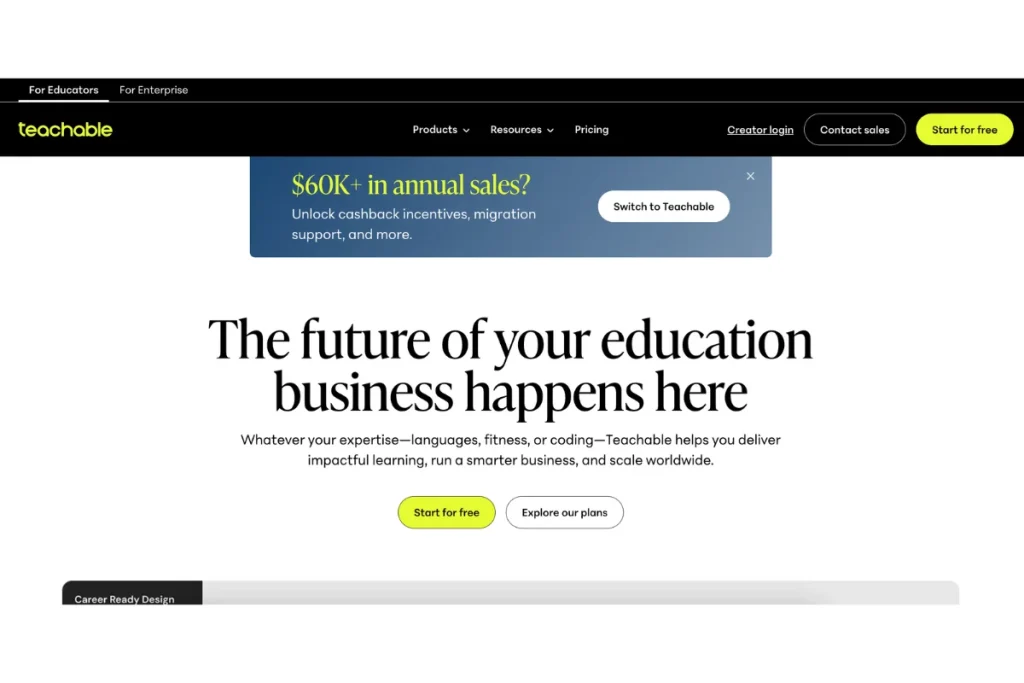
Teachable is an online course platform that is designed for educators, coaches, and businesses looking to create and sell structured learning experiences. It places a stronger emphasis on course delivery, student progress, compliance, and learning management than all-in-one creator platforms.
Along with online courses, Teachable supports coaching, digital downloads, memberships, and private communities, giving creators the tools to build and scale an online education business from one platform.
Teachable Features
Teachable comes with a range of features that make it easier to build, deliver, and manage online courses. Some of the key ones include:
- Course builder: Create structured courses with videos, quizzes, downloads, and coaching sessions. You can also organize lessons, reuse content, and schedule course releases.
- Course compliance: Set requirements that students must complete before moving on to the next lesson, helping ensure they work through your course in the intended order.
- Bulk course editing: Update multiple lessons and course settings at once, making it easier to manage and maintain a growing course library.
- Role management: Assign different roles and permissions to team members, instructors, and administrators so everyone has the appropriate level of access.
- Mobile app: Students can access their courses through Teachable’s mobile app for iOS and Android, making it easy to continue learning from anywhere.
- Coaching and digital products: In addition to online courses, Teachable supports coaching, memberships, digital downloads, and other learning products from a single platform.
Teachable Pricing Plans
Teachable offers four paid plans, along with a custom Enterprise option for larger education businesses.
- Starter: Costs $29/month when billed annually. It includes up to 5 products and charges a 7.5% transaction fee on sales.
- Builder: Costs $69/month when billed annually. It supports up to 10 products, removes Teachable transaction fees, and adds features such as an affiliate program, course certificates, and real-time support.
- Growth: Costs $139/month when billed annually. It’s intended for creators with a growing course business, offering support for 50 products along with features like custom admin permissions, imported students, free subtitles and translations, and branding removal.
- Advanced: Costs $309/month when billed annually. It supports up to 100 products and adds unlimited integrations, giving businesses more flexibility to connect Teachable with the rest of their tech stack.
- Enterprise: Custom pricing is available for high-volume education businesses that need premium support, migration assistance, flexible product and user limits, and enterprise-level management tools.
All paid plans include a 7-day free trial and a 30-day money-back guarantee. If you want to avoid paying Teachable transaction fees, you’ll need to subscribe to the Builder, Growth, or Advanced plan.
What Hello Audio Adds to This Comparison
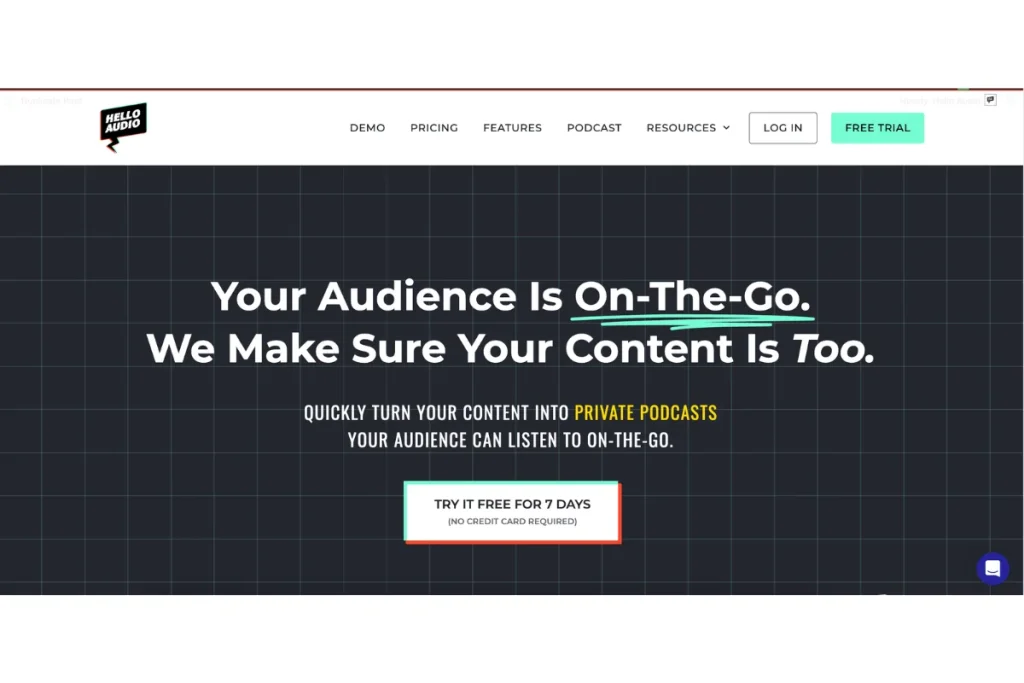
Podia and Teachable both help you create and sell online courses, but neither is built for private podcasting. Hello Audio works alongside your existing course platform by turning your course content into private podcast feeds that your members can listen to from their favorite podcast apps.
If you’re exploring Podia alternatives or Teachable alternatives because you want a better audio experience for your audience, Hello Audio adds a feature neither platform offers on its own.
Some of the ways Hello Audio complements your existing platform include:
- Turn existing content into private podcasts: Upload your courses, webinars, coaching sessions, videos, or call recordings, and convert them into private podcast feeds in just a few minutes.
- Track listener engagement: See how your members interact with each episode, helping you understand what content they’re listening to and where they drop off.
- Connect with the tools you already use: Integrate Hello Audio with platforms like ActiveCampaign, Stripe, Google Analytics, and many other third-party apps to fit into your existing workflow.
- Generate transcripts automatically: Create transcripts for every episode without any additional tools, making your content easier to reference and repurpose.
Watch our demo to see how Hello Audio fits alongside your existing course platform.
How Teachable vs. Podia Stack Up on Key Features
Let’s deep-dive into Podia and Teachable’s (and Hello Audio’s) main features:
Ease of Use
When you are comparing Teachable vs Podia, accessing the onboarding experience is very important. Podia is easier to navigate and quicker to set up, making it a strong choice for creators who want to start selling with a low learning curve.
Teachable takes longer to get familiar with because it includes more advanced course management and learning tools. The extra setup is worthwhile if you need greater control over how your courses are delivered.
The table below summarizes which type of creator each platform is best suited for:
| Platform | Best For (Who Should Start Here) |
| Podia | Creators looking for a simple, all-in-one platform for selling digital products. |
| Teachable | Educators and businesses that need structured course delivery and student progress tracking. |
Course Creation and Compliance
Both platforms let you build and sell online courses, but they focus on different priorities.
Teachable includes quizzes, assessments, assignments, and course compliance tools that let you require students to complete lessons before moving forward. This helps educators deliver courses in a structured learning path.
Podia offers more flexibility for creators selling different types of digital products. Along with courses, you can host webinars, memberships, coaching, and digital downloads, although it doesn’t include the same level of assessment and compliance tools as Teachable.
Pricing and Transaction Fees
Both platforms charge transaction fees on their entry-level plans, but those fees are removed on higher tiers. Here’s a side-by-side comparison:
| Plan Level | Podia (Annual Billing) | Teachable (Annual Billing) | Transaction |
| Entry-level | Mover – $42/month | Starter – $29/month | Podia – 5% Teachable – 7.5% |
| Mid-tier | Shaker – $84/month | Builder – %69/month | 0% |
| Higher-tier | Earthquaker – $150/month | Growth – $139/month | 0% |
| Advanced | – | Advanced – $309/month | 0% |
Marketing Tools and Student Engagement
Podia includes built-in email marketing, automation, and live chat, making it easier to communicate with customers and promote your products without additional tools.
Teachable offers fewer native marketing features, but it provides a stronger learning experience through its mobile app for iOS and Android. Combined with course compliance tools, it helps students stay engaged and progress through your courses more consistently.
Teachable vs. Podia Similarities and Differencess
Podia and Teachable have certain similar functions. However, they also have notable differences that set them apart.
Let’s see how they relate and differ:
Teachable and Podia Similarities
Despite their differences, Teachable and Podia share several features that make them popular choices for online creators. The similarities include:
- Website builder: Both platforms let you create a website for your online business and connect a custom domain, so you can sell your products under your own brand.
- Transaction fees: Each platform charges transaction fees on its entry-level plan. Upgrading to higher-tier plans removes those fees and unlocks additional selling features.
- Third-party integrations: Both integrate with popular tools like Zapier and Google Analytics, making it easier to connect your course business with other apps and automate workflows.
- Community features: Each platform includes certain community tools that let creators build spaces where their members can interact, ask questions, and stay engaged beyond course content.
- Course migration support: Both platforms offer migration assistance for creators moving from another platform, although the level of support depends on your subscription plan and migration requirements.
Teachable and Podia Differences
So, what sets Teachable apart from Podia? Check out these 6 differences:
| Features | Podia | Teachable |
| Course compliance | Doesn’t include built-in course compliance tools or lesson progression requirements. | Includes course compliance features that ensure students complete lessons in the intended order before moving through the course. |
| Webinar hosting | Supports paid webinars through Zoom and YouTube Live. | Doesn’t include native webinar hosting. |
| Live chat | Includes built-in live messaging, allowing you to chat with website visitors and customers. | Doesn’t offer a native live chat feature. |
| Mobile app | Doesn’t have a dedicated mobile app for students. | Offers mobile apps for iOS and Android, allowing students to access courses on the go. |
| Product limits | Higher-tier plans support unlimited products, making it easier to expand your digital offerings. | Product limits vary by plan, ranging from 5 to 100 products. |
Frequently Asked Questions (FAQs)
Below are answers to common questions about Teachable vs Podia.
Can I Migrate My Existing Courses to Podia or Teachable?
Yes. Podia offers free migration services on all paid plans, supporting up to 50 products on the Mover plan and up to 150 products on both the Shaker and Earthquaker plans. Earthquaker also includes unlimited video migrations.
Teachable offers dedicated migration assistance and white-glove onboarding through its Enterprise plan.
Can I Use Custom Domains with Podia and Teachable?
Both platforms allow creators to connect custom domains to their websites.
However, it’s not available on the free plans. Podia offers custom domains on the Mover and Shaker plans, while Teachable enables it for Basic, Pro, Pro+, and Enterprise subscribers.
Which Platform Is More Cost-Effective for Small Businesses?
If you’re primarily selling online courses, Teachable’s Starter plan offers a lower entry price at $29/month (billed annually).
Podia’s Mover plan starts at $42/month (billed annually) and includes support for courses, memberships, coaching, webinars, and digital downloads, making it a better value if you plan to sell multiple types of digital products.
Which Platform Is Better for Memberships?
If memberships are your main offering, Podia is the stronger choice. It lets you combine recurring memberships with community spaces, email marketing, webinars, and digital products, making it easier to keep members engaged without relying on several different tools.
Teachable supports memberships, but its strengths lie in structured course delivery.
Conclusion
After comparing both platforms, the main difference comes down to what each one is built to do. Teachable puts the emphasis on structured course delivery, while Podia brings courses, memberships, webinars, coaching, and digital products together in one platform.
If you want to make your course content easier to consume, Hello Audio works alongside either platform by turning your courses, coaching sessions, and webinars into private podcast feeds that members can listen to in their favorite podcast apps.
Start your 7-day free trial and see how private podcasting can make your courses more accessible and convenient for your audience.