
As a leader, your Monday morning might start with an overflowing inbox: strategy reports, memos, dashboards. You skim a few emails, jump into meetings, and by the afternoon, most updates haven’t fully landed.
About 64% of business leaders say that effective communication boosts team productivity, but with traditional text-heavy updates, it is rarely possible to achieve that.
That’s why more organizations are turning to audio, where updates become something you listen to rather than read about.
Audio lets leaders absorb strategic insights while they’re on the move without adding another item to the calendar.
In this guide, we’ll walk through how audio transforms executive communication, when it makes sense, and how to do it effectively and at scale.
What Are Internal Executive Briefings?
Internal executive briefings are a way to keep the business leaders aligned with current advancements. This also allows them to make decisions without wasting time.
They are short, focused updates that distill complex information into what executives actually need to know. Not every data point. Not every opinion. Just the context, the implications, and what needs attention now.
Because these briefings are internal, they assume context. There’s no need to explain the business or restate known facts. Instead, the emphasis is on impact, risk, and direction.
Internal executive briefings are typically used for strategy updates, performance reviews, major initiatives, organizational changes, and time-sensitive decisions. Done well, they respect executive time while ensuring nothing important gets lost.
Why Audio is Becoming Essential for Executive Briefings
Traditional internal communications like reports, memos, slide decks, and long emails are still a common practice for internal communication. They matter, but they rarely get consumed the way leaders need them to. Heavy text gets skimmed or ignored, and meetings eat up scarce time with diminishing returns.
Audio flips that script.
Your audience can listen while they’re on the move, commuting, walking between meetings, even taking a break to think, and they stay with it. Podcast episodes often see completion rates in the 50–70% range, far higher than email opens and webinar attendance.
Here’s why audio is taking off inside organizations:
- It fits into real work rhythms: Reading through dense texts requires a person’s undivided attention, something a leader rarely has. If they have an audio format, they can absorb updates while multitasking without losing context.
- It boosts engagement and recall: When information is spoken and structured as a narrative, it tends to give a more human feel. Human voice carries tone, emphasis, and nuance that cannot be reproduced in text. That matters a lot. If you’re giving corporate training, then audio has a better chance of engaging listeners in ways text alone can’t, helping make complex ideas stick.
- Leadership messages land with more authority: Hearing a leader’s voice, not just seeing their signature on a memo, builds trust and connection. Spoken communication carries certain emotional cues that shape how messages are received and remembered.
- Habit matters: People are already listening; 43% of people aged 12–34 are weekly podcast listeners. That means leaders using audio are meeting their teams where they already spend attention.

Common Use Cases for Audio Executive Briefings
Audio executive briefings work best in any place that needs information to travel fast, land clearly, and not require another follow-up meeting.
These are some of the most common and effective use cases of audio executive briefing:
Executive and Leadership Updates
Strategy shifts, priority changes, and leadership decisions happen constantly. When they’re buried in long emails or slide decks, the message often gets lost.
Audio lets leaders explain the thinking behind decisions in their own voice. Teams get the context, not just the conclusion. And no one has to block off time on their calendar to stay informed.
Enterprise Knowledge Sharing
Most companies are sitting on a mountain of internal documents that almost no one revisits. Not because the content is bad, but because it’s hard to get through.
Turning those key reports into a short audio briefing presents that same knowledge in a new light. People can listen, pause, come back later, and actually remember what they heard. It’s a simple way to unlock information that would otherwise stay buried in shared drives.
Training and Enablement
People rarely read those training manuals and onboarding documents from start to finish. This becomes especially true for fast-paced environments where people learn while doing.
Audio supports micro-learning and on-demand enablement. If you turn your training materials into private internal podcasts, employees can learn at their own pace without pulling away from their workday or spending extra screen time.
Asynchronous Communication for Distributed Teams
If your team works across time zones, meetings quickly become a bottleneck.
Audio supports asynchronous updates without sacrificing clarity. Leaders will have to record once, and teams can listen to it when it works for them. The message stays consistent, and no one has to stay up late or wake up early just to stay aligned.
Regulated and High-Stakes Communication
In regulated industries, accuracy matters. Speed alone isn’t enough.
This is where human-reviewed audio comes in. AI can help summarize and structure content, but teams still review and approve what goes out. You get the efficiency of audio without risking misinterpretation or compliance issues.
Formats You Can Use for Audio Briefings
Audio briefings don’t have to follow one rigid format. What matters is choosing a structure that fits how your leaders already work.
These are the formats teams rely on most:
1. Private Podcasts
Private podcasts are the most flexible and scalable option for executive briefings.
Even with a private podcast, you can deliver audio through familiar podcast apps, without having to make content public. Each listener will have access to a private feed, so updates feel personal while remaining secure. Leaders can also subscribe once and receive new briefings automatically, just as with any other podcast.
This format is especially useful for delivering recurring updates, leadership messages, and ongoing strategy communication.
2. Short Audio Memos
Think of these as voice notes but with a bit more intention.
Audio memos work well for quick updates that don’t require much structure. Just a leadership note, a decision recap, or a timely clarification can be effortlessly recorded and shared within a few minutes. They’re more informal, direct, and easy to produce.
3. Document-to-Audio Summaries
Some information can still start as a document, and that’s fine.
Instead of asking the executives to read the entire report, you can create a short audio summary that highlights the key takeaways, risks, and decisions. Leaders can listen first, then decide if they need to dive deeper into the written material.
How to Structure an Effective Executive Audio Briefing
Most executive briefings fail for a simple reason. They try to say too much.
In audio, that problem gets amplified. There’s no skimming, no jumping ahead. If the message isn’t structured, listeners tune out.
A good executive audio briefing is designed to be easy to follow and easy to finish. Here’s a structure that delivers both:
- Start with the bottom line: Open with why the brief is being created. What’s the update? What changed? Why should the listener care right now?
Say this in the first 30 seconds to set expectations from the start. - Add just enough context: Executives don’t need background. They need relevance. Briefly explain what led to this update and what’s different from before. If it takes more than a minute, it’s probably too much.
- Focus on the few things that matter: Limit the briefing to two or three key points. This forces prioritization and makes the message easier to remember. If everything feels important, the structure isn’t doing its job.
- Explain implications, not just information: Facts alone don’t drive alignment. Meaning does. Spell out what this update affects. Strategy, priorities, risk, or timing. This helps leaders understand how to interpret the information, not just receive it.
- Be explicit about next steps: End the brief with clarity in mind. Is this for awareness only? Is any kind of feedback needed? Is there a decision coming next?
Even if there is no further action, saying so removes ambiguity. - Keep it short and finishable: Most executive audio briefings work best at five to ten minutes. Short enough to finish in one sitting. Long enough to deliver substance.
- Be consistent: One well-structured briefing helps. A consistent cadence builds trust. When leaders know what to expect and how long it will take, audio becomes part of the workflow instead of another interruption.
7 Best Tools to Deliver Audio Briefings
The right tool depends on one thing: how you want the leaders to consume updates. Some tools are a great option for recording. Others will help you with editing or transcription. But there are only a few built specifically to deliver executive audio that actually gets listened to.
Here’s how the landscape breaks down:
1. Hello Audio (Best for delivery at scale)

Hello Audio is purpose-built to deliver private audio briefings via podcast feeds.
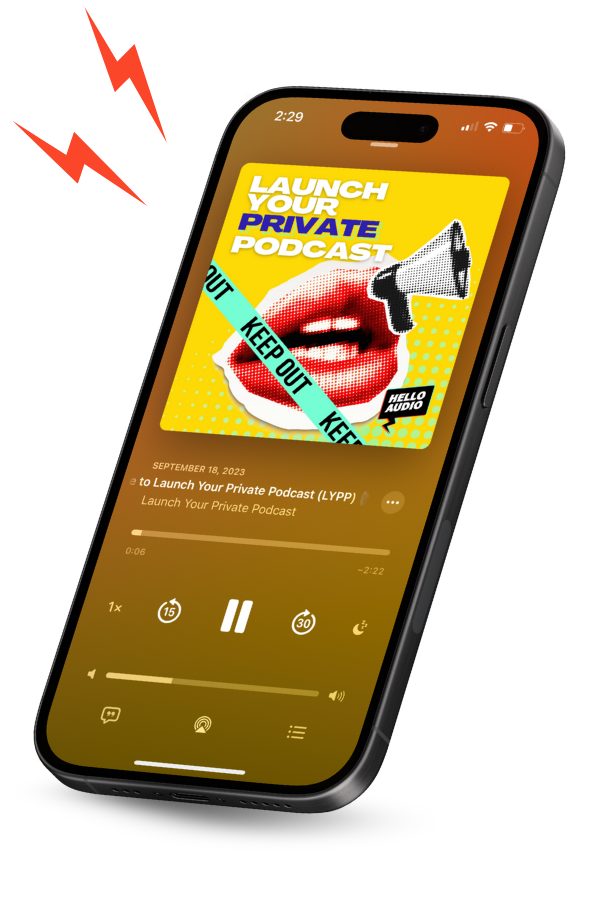
Instead of asking leaders to log in to yet another platform, Hello Audio delivers briefings directly to the podcast apps they already use, such as Apple Podcasts, Google Podcasts, Overcast, and more. Over 70% of new users launch their first private audio feed within 24 hours, showing how easy it is to adopt.
This makes it ideal for executive communication because:
- Audio is private and access-controlled.
- Leaders can listen on their own schedule.
- Briefings are easy to update, schedule, or drip over time.
- Existing audio or video content can be repurposed quickly.
- No technical setup is required for listeners.
It is best to think of it as a Vimeo for internal audio. Simple to launch, easy to manage, and designed for real-world consumption.
To give you a sense of how creators talk about it in real use, one Reddit user, easypeasymuonsqueezy, explained:
“We do this at HelloAudio.fm, which mainly focuses on private podcast features. You get unlisted feeds with a unique link for each listener. You can sync up signups with your email list to automatically add folks to both if you’d like. And you can create your public podcast in the same account when you’re ready. If it’s the same content, you can copy the episodes across feeds to not repeat the work.”
Get a clear idea of how it’s done with this demo video.
2. Riverside.fm (Best for high-quality recording)

Riverside is a good option if you want good audio. You can record locally, get video support if needed, and they also offer text-based editing to speed up the entire post-production process.
This works well if executive briefings are recorded interviews or leadership conversations that need a polished finish before distribution.
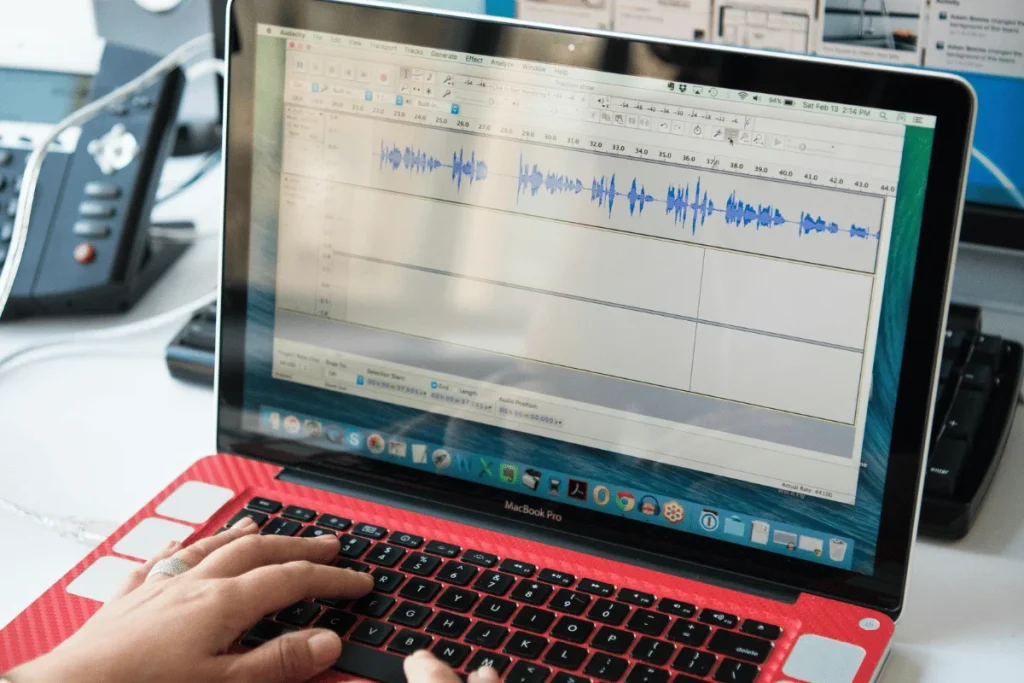
3. Audacity (Best free editing tool)
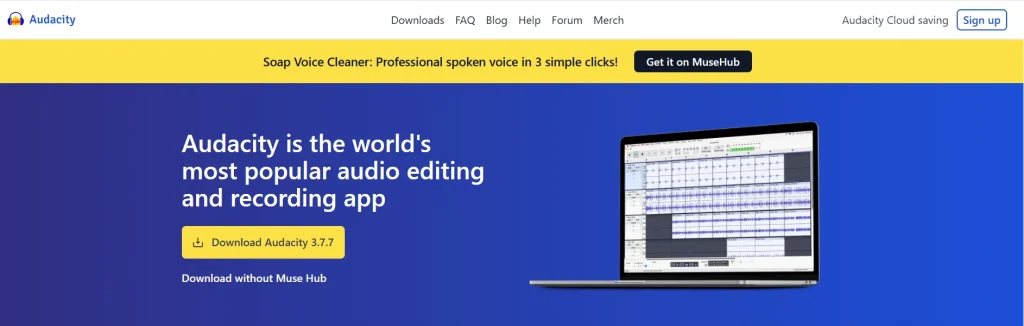
Audacity is a well-known tool for a reason. It is free, powerful, and a reliable option for basic recording and editing.
Don’t expect anything fancy from the software, but the good part is that it gets the job done. If you already have a delivery platform in place and just need clean audio files.
4. Adobe Audition (Best for advanced post-production)
For teams that already have some in-house audio expertise, Adobe Audition offers professional-grade editing and restoration.
It’s an overkill for most executive briefings, but it’s useful when audio quality needs to meet strict standards.
5. Wondercraft (Best for AI-assisted production)
Wondercraft is useful when speed is your priority. It uses AI voices, music beds, and templates to easily and quickly turn any script into a polished audio.
This is really helpful if you have any scripted updates or summaries. It works especially well when you pair it with a human review before distribution.
6. Microsoft Teams and Zoom (Best for live conversations)
Both Teams and Zoom are familiar tools for real-time discussions. They are mostly used for live leadership calls that you want to record and later repurpose the content into audio briefings.
Using them on their own is not an ideal option as delivery channels. But aiding them as recording sources, they fit well into an audio-first workflow.
7. Otter.ai and Noota (Best for transcription and summaries)
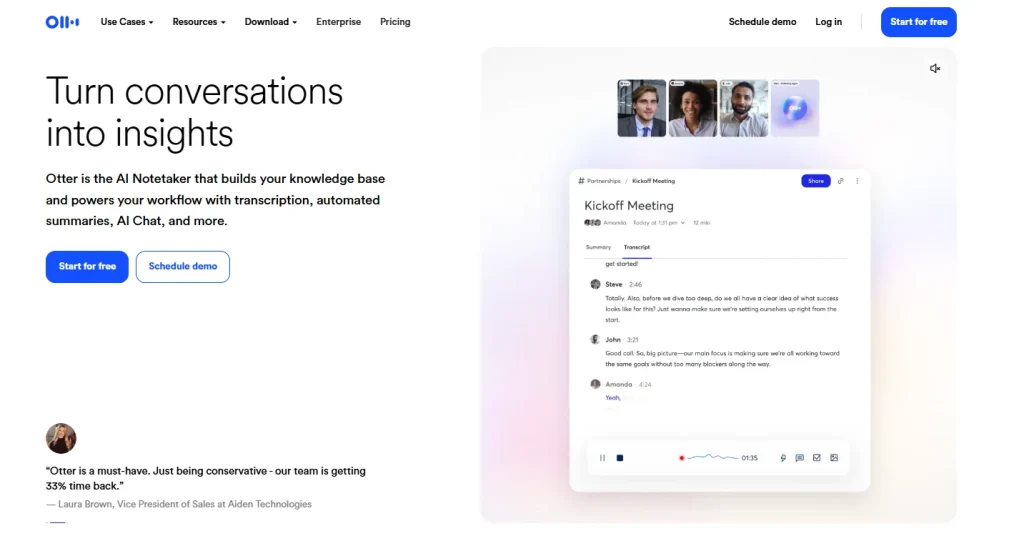
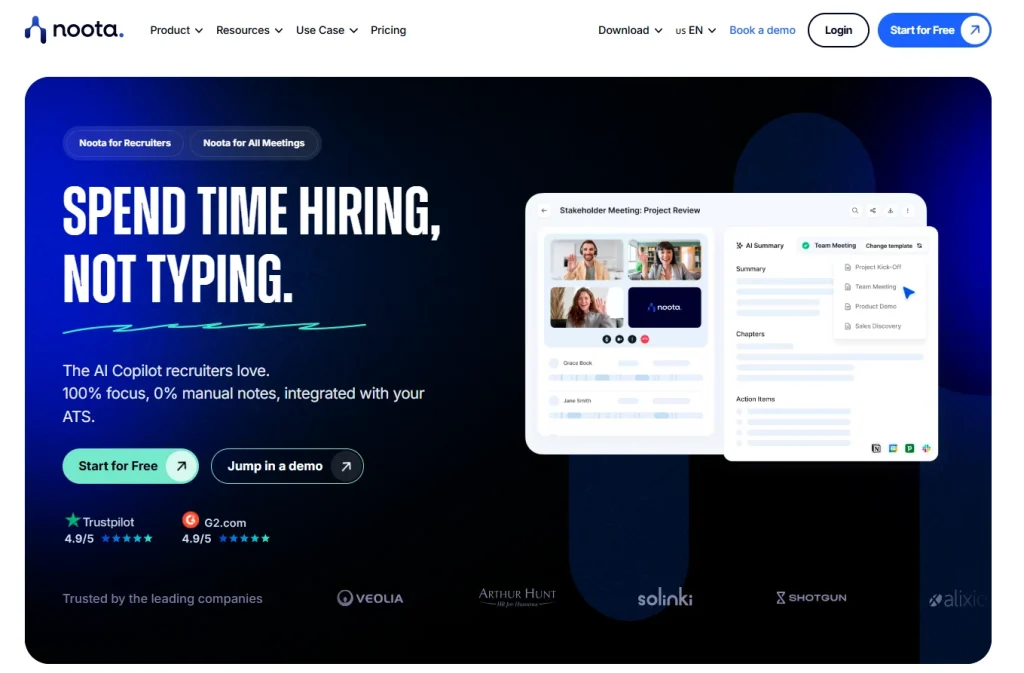
These tools help turn your spoken conversations into searchable text.
You can use them for:
- Creating summaries of executive calls
- Pulling highlights for audio briefings
- Supporting accessibility and documentation
They work best as complements, not replacements, for audio delivery platforms.
Best Practices for Scaling Audio Briefings Across Teams
If you want to build a system with audio briefings in your company, you need to do more than just record.
Here’s what you can do to scale audio briefings sustainably:
- Design for asynchronous first: If your briefing only works live, it will not scale. You can record once and let your teams listen on their own schedule. This will remove any time-zone friction, reduce meeting overload, and keep the messaging consistent across all regions.
- Standardize the structure: Consistency builds trust. Use the same basic format every time: purpose, key points, implications, next steps. When leaders know what to expect, they’re more likely to hit play and finish the briefing.
- Segment audiences when needed: Not every update is for everyone. Create separate feeds or episodes for leadership, managers, or specific teams. Targeted audio is shorter, more relevant, and more likely to be consumed.
- Keep briefings short and frequent: Long briefings don’t scale well. Rather, if you go for short and regular updates, it works better than occasional, overloaded recordings. Five to ten minutes is usually enough to communicate what matters without fatigue.
- Pair audio with light documentation: Audio living in isolation will not live longer. Add a short summary, a transcript, or links to support the documents so your listeners can refer to them for details later. This reinforces understanding without forcing screen time upfront.
- Reuse and repurpose existing content: Pay attention to what people are actually listening to by tracking podcast metrics like completion rates, drop-off points, and feedback to gain insights. These will help you refine your length, cadence, and content. Small adjustments compound over time.
- Track engagement and adjust: Notice any audience patterns. If people consistently stop listening at the same point, it’s your cue that something needs to change. If your episodes are heard till the end, you’re on the right track. Use that insight to refine the content over time.
- Set expectations from leadership: This is where many internal audio initiatives fail.
One Reddit user hereforthewhine, who ran an internal sales podcast, put it simply:
“I will say that it’s difficult to get the SMEs/stakeholders to commit to producing regular content and also to stick to an internal communication plan.”
Leadership buy-in will only come if you have clarity and proof in your briefings. Keep your recordings mostly short, maintain a predictable cadence, and share early engagement indicators, such as the completion rates, to show that the effort is worth it.
Frequently Asked Questions (FAQs)
These are the most common questions teams ask when evaluating audio for executive briefings:
What Are Common Mistakes Companies Make with Executive Audio Briefings?
The most common mistake is treating audio like a voice memo instead of a leadership tool.
Some other common mistakes include overloading the message. Briefings that run long, lack structure, or try to cover everything at once lose attention.
Many teams make the mistake of recording audio but not setting expectations for it. If leaders don’t signal that listening matters, audio becomes optional background noise instead of a trusted channel.
Are Audio Briefings Effective During Mergers or Organizational Restructures?
Yes, and often even more effective than any written update.
During periods of change, people want clarity and reassurance. Hearing leadership explain decisions in their own voice adds context that text can’t convey. Audio also allows updates to be shared quickly and consistently as things evolve, without constantly calling meetings.
What is the Cost of Setting Up Internal Audio Briefings at Scale?
Lower than most live or video-based communication. Basic recording tools are inexpensive, and private audio platforms scale without adding high ongoing costs.
Do Audio Briefings Work for Global and Distributed Leadership Teams?
They work especially well for distributed teams.
There’s no need to coordinate calendars or attend late-night calls. The team can consume briefings at any time while preserving the original context and clarity.
Everyone gets to hear the same message in the same voice, with no time-zone friction or having to attend repeated meetings.
Conclusion
Executive briefings don’t have to mean more meetings, packed inboxes, or updates that get lost in the shuffle. With audio briefings, you can share the same information quickly and clearly, keeping leaders aligned, making smarter decisions, and keeping their teams moving.
The trick is keeping things consistent, structured, and delivered in a way that fits how people actually work. When you get it right, audio turns updates from “another thing to check off” into a go-to resource leaders actually rely on.
With Hello Audio, this process becomes effortless to implement in your organization. With private, secure feeds, automatic delivery to the podcast apps your teams already use, and the ability to repurpose existing content, you can launch at scale without adding complexity. Leaders can listen anytime, anywhere, and your message actually gets heard.
Start turning your executive updates into a trusted audio channel — sign up with Hello Audio today.